Viewing Web Profile History
Access the Web Profile History page. (Select .)
This example illustrates the fields and controls on the Web Profile History page.
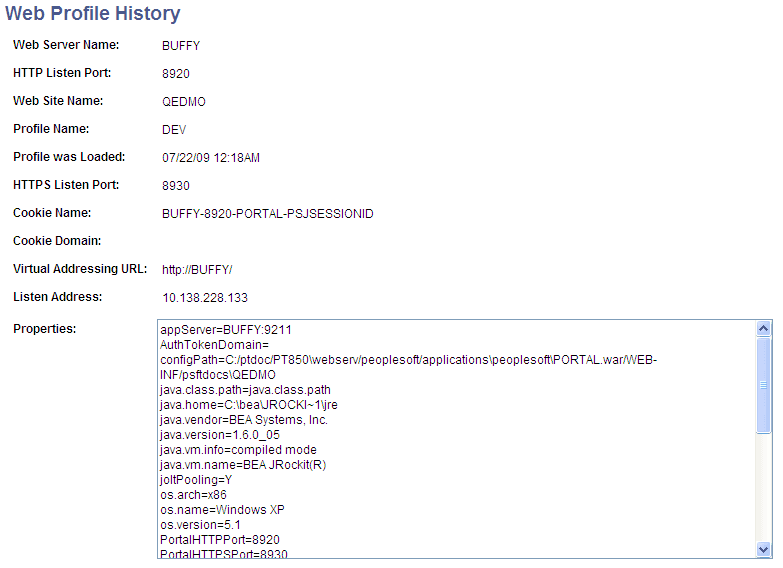
Use this page to review the current portal attributes of a web server, website, and web profile, including the web server's HTTP and HTTPS listen ports, the web profile that was last loaded, and the current HTTP session's cookie name and authentication domain.
In addition, the Properties field displays the relevant settings of the web server instance at the time it was loaded by the portal.