Writing Help Text for Related Content Service Definitions
When you define related content services, you should document the service and how the service parameters should be mapped to transaction content, especially if your service uses multiple, complex service parameters. The components and pages can include numerous fields, some of which are named similarly, which can make mapping the service parameters difficult.
Use the help text to clearly communicate the values that must be assigned to the service parameters. The text that you enter is accessible to the subject matter expert when she clicks the Read help text link on the Related Content Service - Configure Service page.
Important:
Use explicit, concise, clear, understandable language in your instructions.
Navigation:
On the Define Related Content Service page, click the Write help text button.
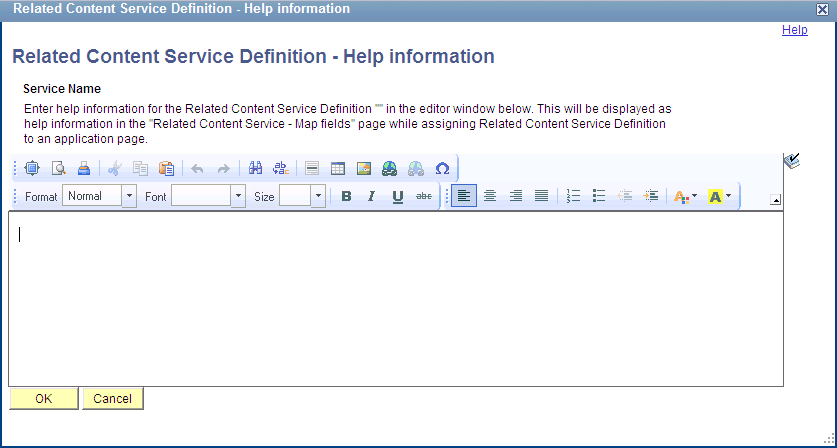
This example illustrates the fields and controls on the Related Content Service Definition - Help information page. You can find definitions for the fields and controls later on this page.
| Field or Control | Description |
|---|---|
|
Service Name |
Displays the name of the related content service. This field is display-only. |
|
OK |
Click to save the text and return to the Related Content Service Definition page. Note: You must save the service definition to save the help text. |
|
Cancel |
Click to discard any changes and return to the Related Content Service Definition page. |
To write help text for a related content service definition:
-
Enter help information for the related content service definition in the editor window.
-
Click the OK button.
This returns you to the Related Content Service Definition page.
-
Save the definition.