Rerunning Partition
Access the Partition Manager page ().
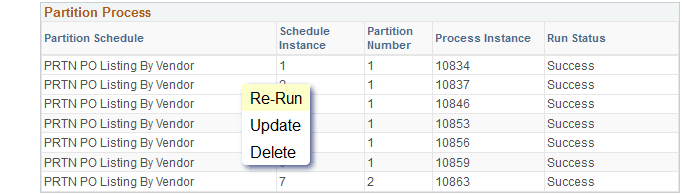
This example illustrates how you can re-run a partition process on the Partition Manager page.
-
From the Partition Process section, select the partition process row that you want to re-run.
-
Click Re-Run.
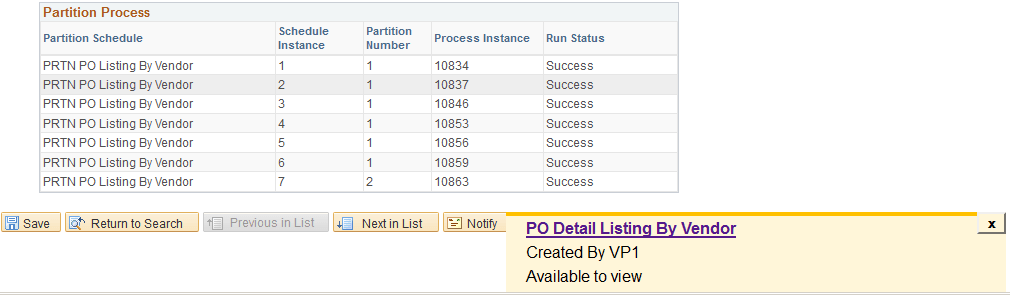
Notification messages appears when the partition process is initiated. On successful process run, the notification message displays a link to the report.
This example illustrates the link to the report that appears as a notification message on the Partition Manager page.
-
Click the PO Detail Listing By Vendor link to view the report.