Setting Operation Times
To access the Operation page, select
This example illustrates the fields and controls on the Operation page.
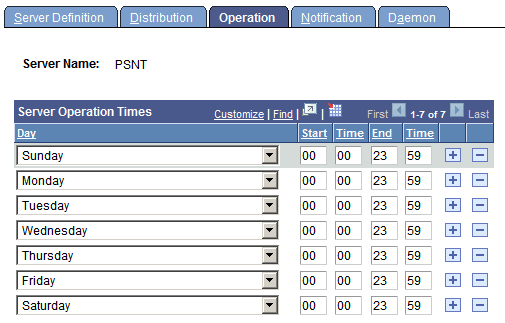
Specify the days and times during which the server is operational. The preceding sample page shows a server that is operational 24 hours a day and seven days a week.