Viewing Scheduled JobSet Requests
To access the Schedule JobSet Requests page, select
This example illustrates the fields and controls on the Schedule JobSet Requests page.
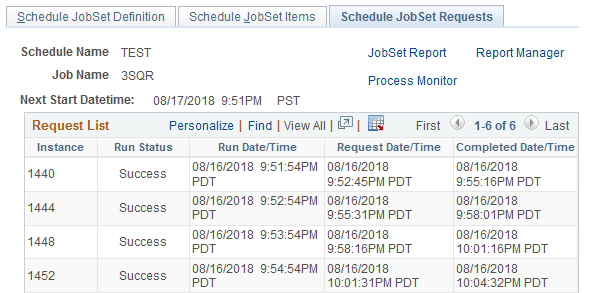
Use the Schedule JobSet Requests page to view the status of each process request contained in the selected JobSet without using Process Monitor.
| Field or Control | Description |
|---|---|
|
Next Start Datetime |
Displays the date and time at which the JobSet is scheduled to run. |
Request List
This group box lists each individual process contained in the jobs and JobSet.