Defining the Data Transformation for a Query
Use the Transformation Details page (QRYXSLTDETAILS) to add the transformation program (XSLT).
Navigation:
-
Select Reporting Tools, Query, Query Manager.
-
Access the Transformations page and click the Add XSLT button.
The following example shows the fields and controls on the Transformation Details page for an XSLT that is used to generate a fixed output. Definitions for the fields and controls follow the example.
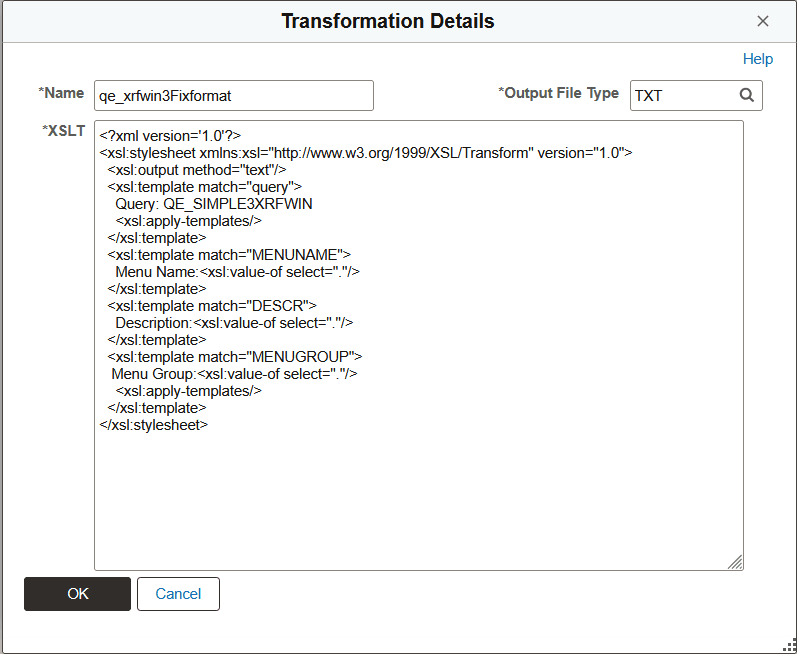
| Field or Control | Description |
|---|---|
|
Name |
Enter the name of the transformation. |
|
Output File Type |
Select the file extension to be created after the transformation. The default value is TXT. |
|
XSLT |
Enter the XSLT that will be used to transform the XML. Note: To generate a user-defined output format, you need to enter the XSLT that defines how to transform the query data. The output varies based on the XSLT. XSLT should be in the valid XML format. Only basic XML validation will be performed on the user-provided XSLT. |
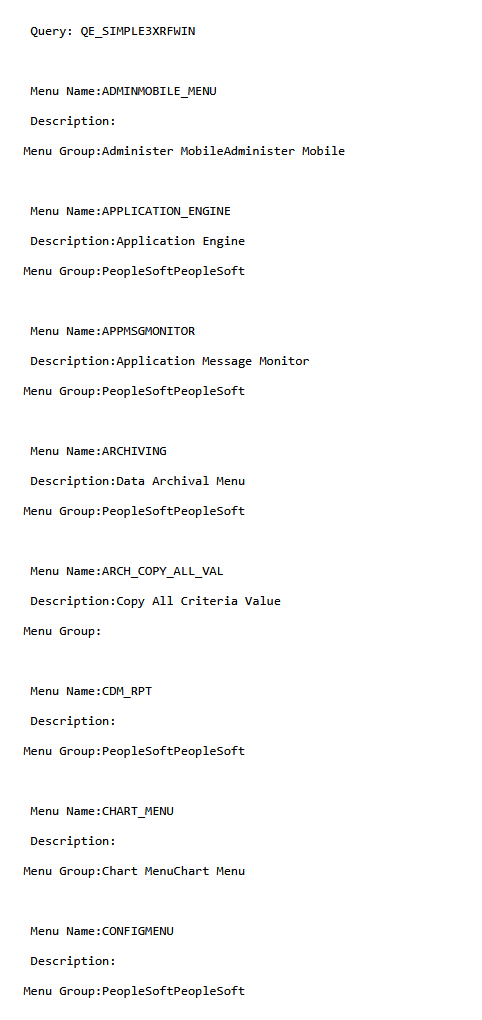
This example illustrates a fixed format output after applying the XSLT to a query data.