Opening a PeopleSoft Query Using Connected Query Manager
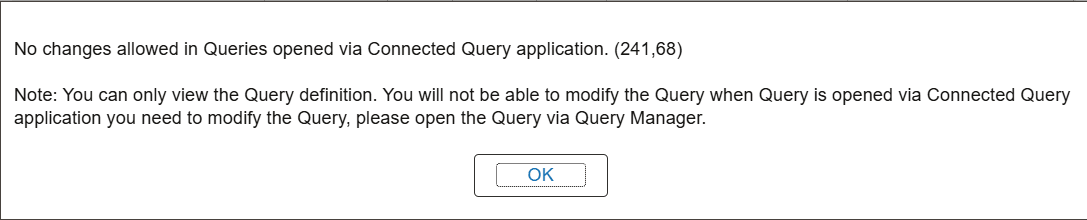
When you open a PeopleSoft query using the Connected Query Manager, the Query Manager component appears in a read-only mode along with a message informing you that no changes are allowed to the query that is opened. The Query Manager that is being opened through the Connected Query Manager is fully functional. It enables you to run a query, view SQL that is being generated by query, view the query structure, view query prompts, view query criteria, and so on, but it doesn't allow you to save any changes for the opened query.
This is an example of the message received when you open a PeopleSoft query in the Connected Query Manager.