Performing Definitional Reference Lookups in Connected Queries
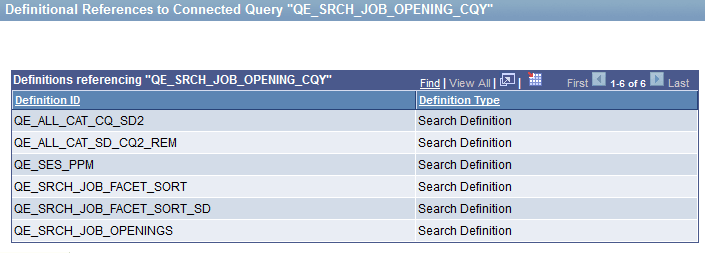
Use the Definitional References to Connected Query page (PSCONQRS_DEFN_REF) to view all PeopleSoft definitional objects that use this particular connected query as the data source. The results show the definition ID, definition type, and definition sub-types if they are available.
These object types are included in the Definitional References to Connected Query page:
-
BI Publisher (with the Report Definition or Data Source Definition subtypes)
-
PeopleSoft Search Framework
Navigation:
-
Select .
-
Click the Search button.
-
Click a Lookup References link.
This example illustrates the fields and controls on the Definitional References to Connected Query page.
Note:
The Lookup References feature specifically lists only definitional references, which are defined PeopleSoft objects of specific types. This feature is not used to find the references that are not definitional references, such as Connected Query API references in PeopleCode or any static text references to that Connected Query name, whether in SQL objects, scripts, PeopleCode, and so on.
The Lookup References links are available in the Query Manager search page, Query Viewer search page, Connected Query Manager search page, and Connected Query Viewer search page.