Using Composite Query Scheduler
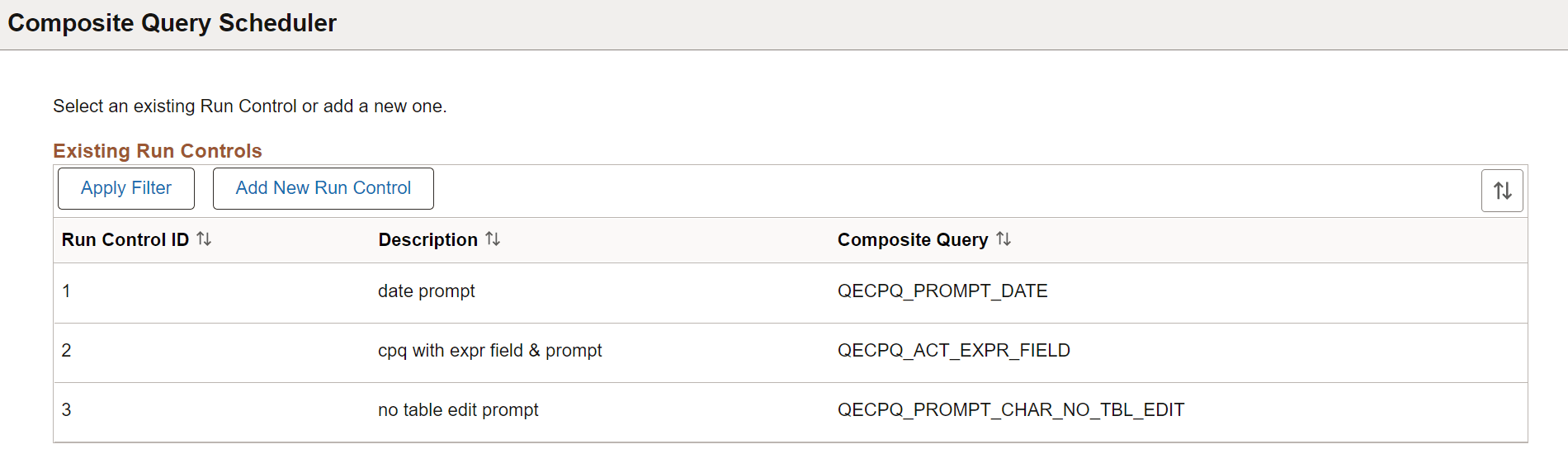
Use the Composite Query Scheduler page (PSCPQ_RUNCTL_FL) to schedule a composite query to run in the PeopleSoft Process Scheduler.
Navigation:
You can schedule a composite query by selecting . Composite Query interacts with Application Engine program PSCOMPQRY to enable you to schedule composite queries. You can search for an existing run control ID or create a new run control ID and schedule a composite query using the Composite Query Scheduler page, check the status of your request using the Process Monitor link, and view your output using the Report Manager link.
This example illustrates sample values of fields and controls associated with existing run controls on the Composite Query Scheduler page.