Applying Filter Options to Select Existing Run Control ID
You must select a Run Control ID to schedule a composite query corresponding to it.
To filter the results for Run Control ID:
-
Click Apply Filter on the Composite Query Scheduler page.
-
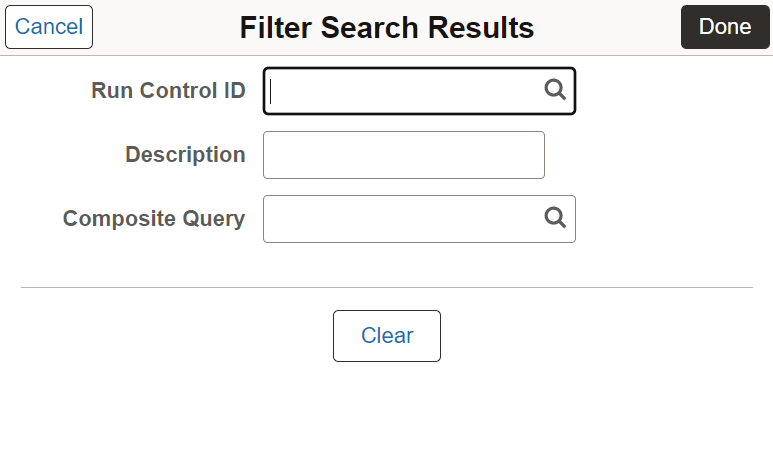
Enter the Run Control ID in the Run Control ID field in Filter Search Results dialog box. Partial search is enabled in this field so that relevant search results appear as you type the characters in the Run Control ID. You can also look up valid values for Run Control IDs using the magnifying glass icon in the field.
Alternatively, you can filter the search results by entering composite query name or by looking up the valid values for composite queries in Composite Query field.
-
Click Done.
This example illustrates the fields and controls on the Filter Search Results dialog box.