Downloading Search Data
If you need to share search definition information with Global Software Support (GSS) related to search definitions you are troubleshooting, use the Asynchronous Details page.
Note:
This is applicable only when Full Direct Transfer is set to N on the Search Options page.
To download search data:
-
Select .
-
Select the Subscription Contracts tab.
-
In the Queue Name field, select PTSF_ES_SEND_Q.
PeopleSoft Search Framework uses this queue to communicate with the search engine server.
-
Filter the search results using Status and Date to locate the desired sub-queue.
-
Click the Details link.
-
On the Asynchronous Details page, click the Download XML link.
-
Save the xml file to the location you want.
-
Open the file using a text editor program.
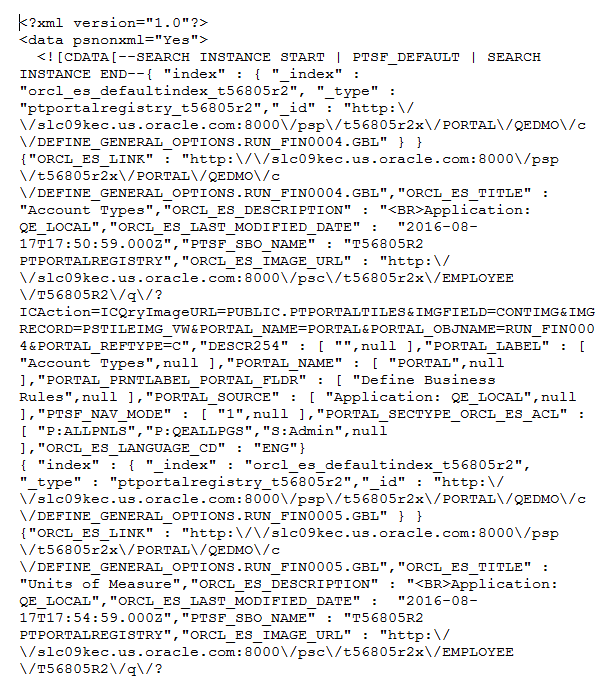
This example illustrates the Source XML Data.