Setting Source Level Security
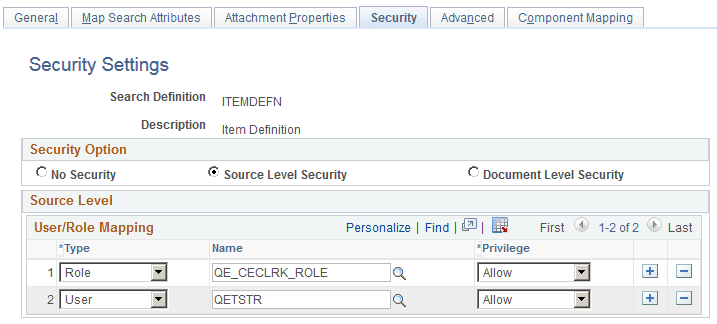
Access the source-level security settings by selecting the Source Level Security radio button.
This example illustrates the fields and controls on the Security page - Source Level Security options. You can find definitions for the fields and controls later on this page.
| Field or Control | Description |
|---|---|
|
Type |
Select Role or User depending on the scope of your intended access restriction. Selecting Role restricts access to a specific PeopleSoft role. Selecting User restricts access to a specific PeopleSoft user. |
|
Name |
Select the user or role name. |
|
Privilege |
Define the access privilege or restriction.
|
Note:
Source-level security applies to every document within that search definition for the search engine.