Using a Dashboard that is Embedded in Fluid WorkCenter
After you embed a dashboard in Fluid WorkCenter page, you can associate the newly created Insights CREF with your Fluid WorkCenter. Use the Configure Pagelets page to create links and activate the links for the CREF.
For more information, see PeopleSoft HCM 9.2: Application Fundamentals, “Understanding PeopleSoft Fluid WorkCenters”.
Use the following steps to associate a new CREF to Fluid WorkCenter using the Configure Pagelets page:
-
Select .
-
Choose the Fluid WorkCenter to which you want to associate the new CREF.
-
Associate the new CREF to Fluid WorkCenter.
-
After you add the new CREF, activate the link.
-
Save the page.
For more information, see PeopleSoft HCM 9.2: Enterprise Components, “Configuring Pagelets”.
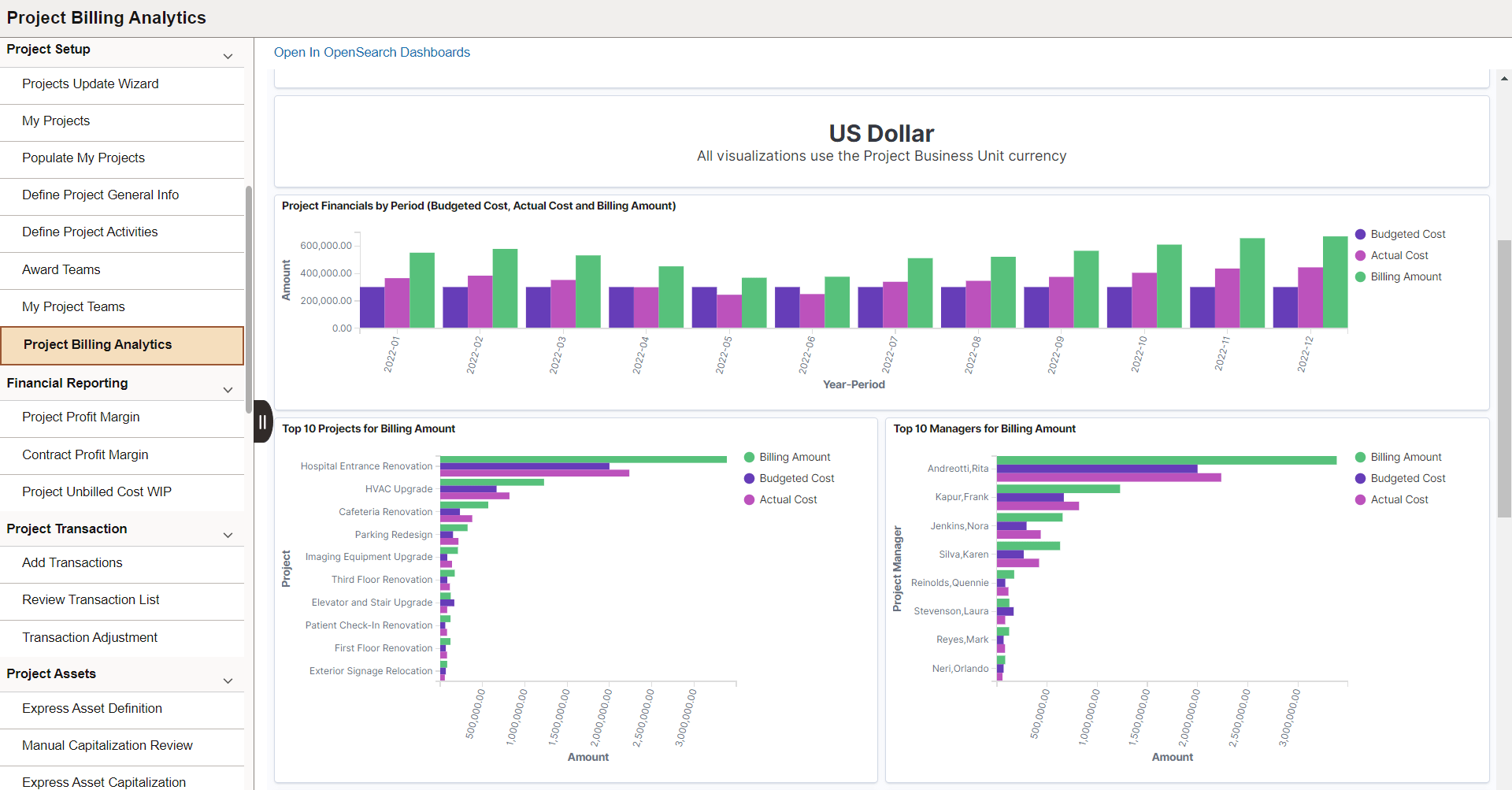
This example illustrates the Fluid WorkCenter after you integrate a dashboard.