Viewing Search Contexts
To view your defined search contexts, access the View Search Contexts page by selecting .
This example illustrates the fields and controls on the View Search Context page. You can find definitions for the fields and controls later on this page.
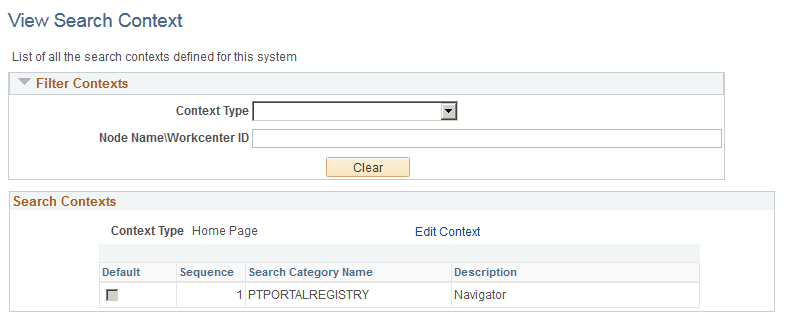
Filter Contexts
Use the Filter Context controls to customize and narrow the contexts displayed.
| Field or Control | Description |
|---|---|
|
Context Type |
Select the context type you wish to view. Home Page is the only available context type. |
|
Node Name\Workcenter ID |
Enter a specific node name. |
|
Clear |
Click to clear the previous filter criteria. |
Search Contexts
The Search Contexts section displays the search contexts that meet the criteria specified in the Filter Contexts section.
| Field or Control | Description |
|---|---|
|
Edit Context |
Click to modify the search context definition. The link opens the Define Search Context page with the selected search context open. |