Bypassing Tables During the Delete User Profile Process
Access the Bypass Tables page (select ).
This example illustrates the fields and controls on the Bypass Tables page.
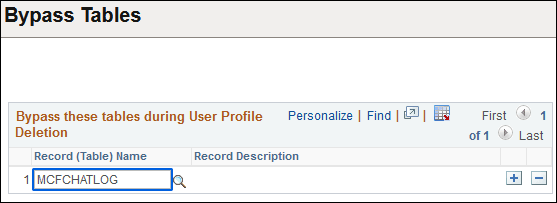
When you delete a user profile and its related information, you might not want to delete tables that contain rows of user profile data. For instances such as these, you can specify the tables for the delete process to skip.
To bypass tables during the Delete User Profile process:
-
Click the prompt button to select the record name to skip.
Note:
The prompt displays only records that contain the OPRID field as a key field. The view behind this prompt is the PS_TBLSELECTION_VW.
-
Insert additional rows for other table names, as necessary.
-
Click the Save button.
Related Topics