Creating Email Text for Forgotten User IDs
Use the Forgotten User ID Email Text page (PT_EMAILOPRIDTEXT) to define an email message to send to users who enter an email address and request the associated user ID.
Select .
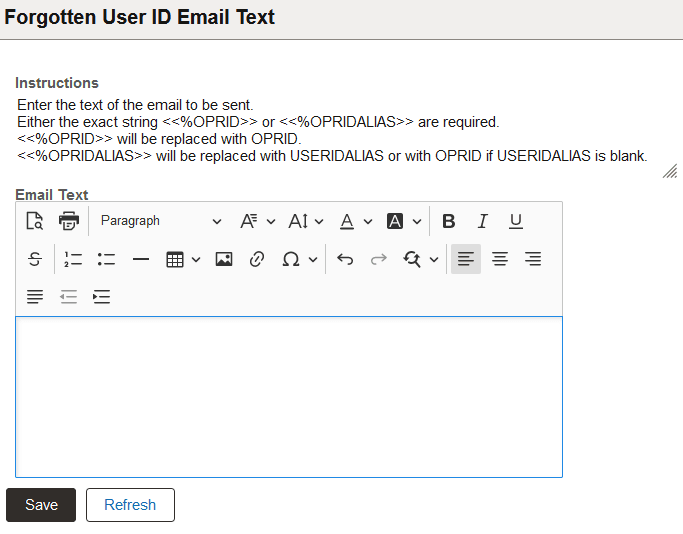
This example illustrates the Forgotten User ID Email Text page.
For information on the rich text editor interface, see Applications User’s Guide: Working With Rich Text Editor Fields.
In the Email Text field, enter the text to be emailed in response to a user clicking the Forgot my user ID link. The text must include one of the specified text strings. When the message is sent to the user, the string <<%OPRID>> will be replaced with the user ID corresponding to the provided email address. The string <<%OPRIDALIAS>> will be replaced with the user ID alias. If the user profile does not have an alias assigned, <<%OPRIDALIAS>> will be replaced with the user ID.
Here is an example of an email text entry:
The user ID recorded for your email is <<%OPRID>>.If the user ID is PTEMPL, the end user will receive the message:
The user ID recorded for your email is PTEMPL.