Default My Preferences - General Settings Page
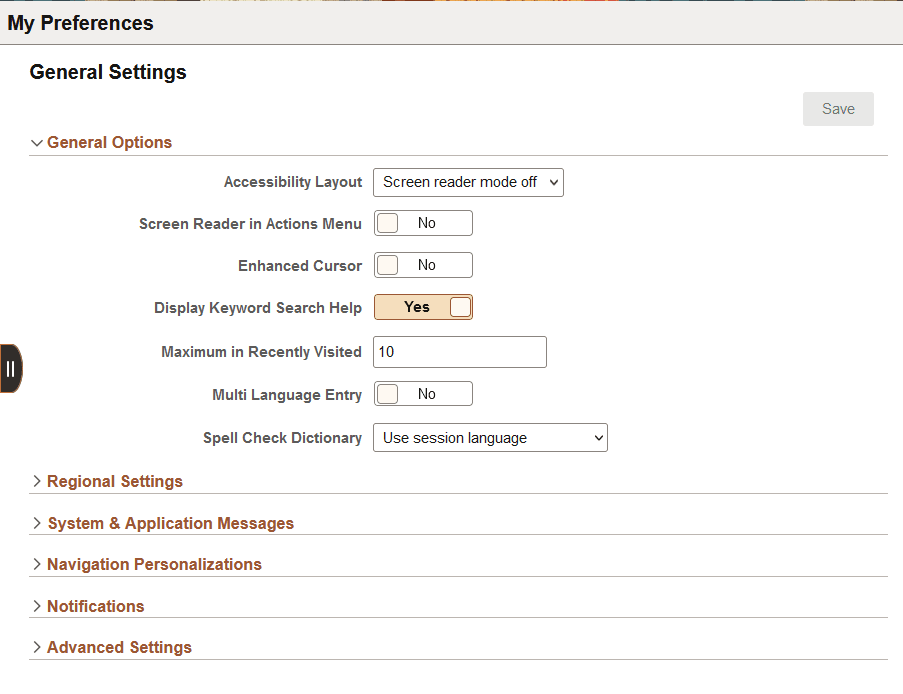
As described previously, PeopleTools delivers a default set of end-user system preferences. The default preferences appear in the My Preferences - General Settings page.
This example illustrates the default fields and controls on the PeopleTools-delivered My Preferences — General Settings page.
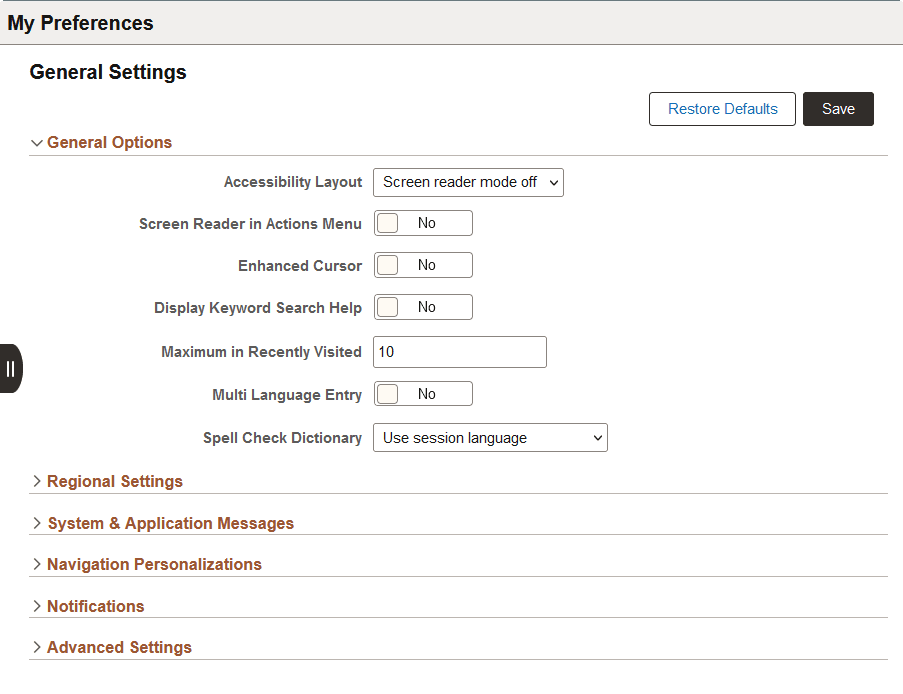
When a user modifies any of the default preferences and saves the changes, a Restore Defaults button appears on the page.
This example illustrates the fields and controls on the My Preferences – General Settings page when a user changes any of the default settings. When a user makes any change to the default preferences, a Restore Defaults button appears on the page. The user can click the button to restore all preferences to the default settings.
Each of the collapsible sections on the My Preferences page correspond to a personalization category. Each personalization category contains a group of preferences that are personalization options defined for the personalization category. Only those personalization options that a user is allowed to change via permission list access display for the user at runtime.
As described previously, system administrators and developers use the pages in the Personalization component to manage the preference options and settings that appear in the My Preferences - General Settings page. The preference categories that appear on this page are described in detail in the Working with System Personalization Categories topic.
The option codes, descriptions, default values, and any default permission list to which they belong are described in the Working with System Personalization Options topic.
End-user documentation for using the My Preferences page is provided in the Applications User’s Guide: Defining User Preferences topic.