Setting Data Migration Permissions
Access the Permission List - Data Migration page ( and click the Data Migration tab).
This example illustrates the fields and controls on the Permission Lists - Data Migration page.
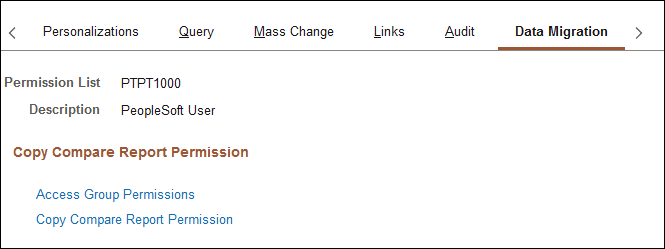
The Data Migration page has links to the Access Group Permissions page, where you can define the records to which the user can have access in the Data Migration Workbench, and the Copy Compare Permissions page, where you can define the copy and compare operations that the user can perform.
For more information about these settings, see Lifecycle Management Guide: Setting Data Migration Permissions.