Using the Define Personalizations – Explanation Page
Note:
The message catalog values that are specified on the Define Personalization – Explanation page are no longer used as of PeopleTools 8.55. No personalization messages are displayed to users in the fluid version of My Preferences that was introduced in PeopleTools 8.55.
To access the Define Personalizations – Explanation page, select and click the Explanation tab.
This example illustrates the fields and controls on the Define Personalizations – Explanation page. You can find definitions for the fields and controls later on this page.
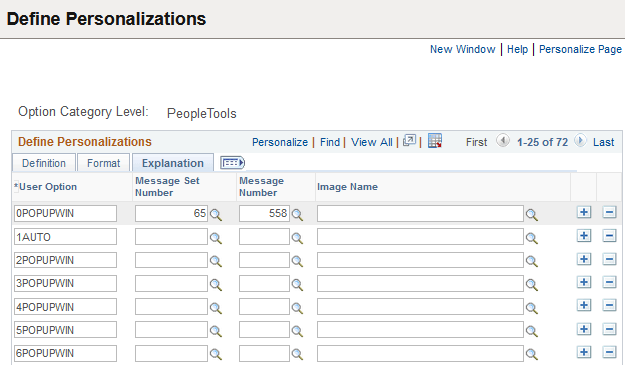
| Field or Control | Description |
|---|---|
|
User Option |
Displays the code associated with an option. |
|
Message Set Number |
Specify the message set containing the message that contains the explain text. |
|
Message Number |
Specify the message number of the message containing the explain text. |
|
Image Name |
Points to the image that the system presents to the end user to provide clarification and context for the personalization. For example, for the "Tab over add button" option, the image of the add button is included so the user can recognize the object. |