Using the Group Content Detail Page
Use the Group Content Detail page (PTDEFSECGRP) to:
-
View all definitions in a definition group that are of a specific type.
-
Access the Insert Definitions page to insert definitions into a group.
-
Delete definitions from a group.
To access the page select . Search for and select an existing definition group, or add a definition group to the system. Select the Group Content Detail tab.
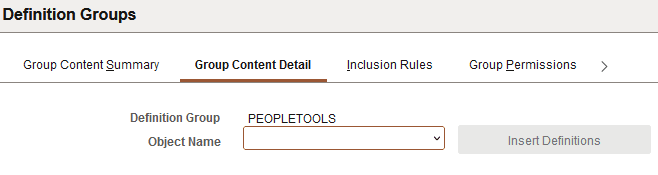
This example illustrates the fields and controls on the Group Content Detail page. You can find definitions for the fields and controls later on this page.
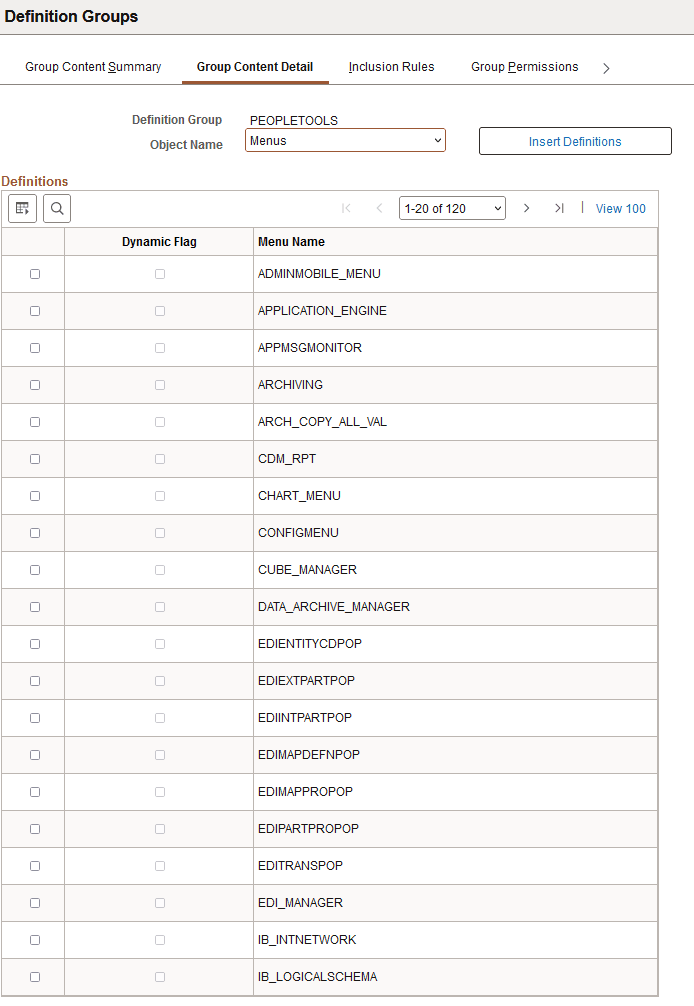
This example illustrates the fields and controls on the Group Content Detail page after selecting an object. You can find definitions for the fields and controls later on this page.
| Field or Control | Description |
|---|---|
|
Object Name |
From the drop-down list select the definition object with which to work. |
|
Insert Definitions |
Click the button to access the Insert Definitions page to insert definitions of the selected object type into the definition group and to create inclusion rules. |
|
Dynamic Flag |
The read-only field is selected when a definition has been added to a group as the result of an inclusion rule. |
|
<Definition> Name |
Displays the definitions in the definition group for the object selected in the Object Name field. |