Using the Process Scheduler Request Page
Use the Process Scheduler Request page (PRCSRQSTDLG) to initiate definition security inclusion rule processing.
To access the page select and click the Run button.
This example illustrates the fields and controls on the Process Scheduler Request page.
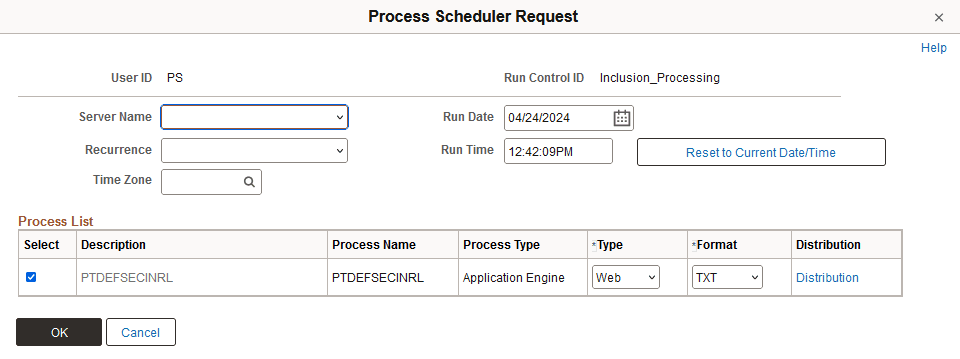
The system auto-populates the Process List grid with the PeopleSoft-delivered application engine program, PTDEFSECINRL, used for all inclusion rule processing.
Information about the fields and controls that appear on this page are documented elsewhere in the product documentation. See Process Scheduler: Scheduling Process Requests.