Using the Inclusion Processing Page
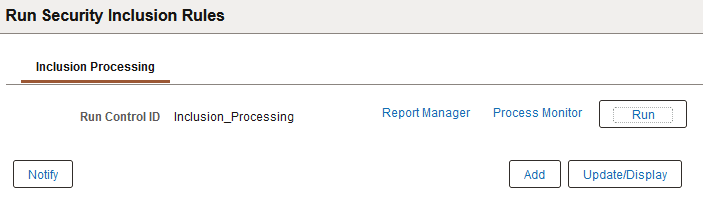
Use the Inclusion Processing page (PTDEFSECINRL_P) to launch inclusion rule processing on the database.
To access the page select Enter a run control ID or select an existing one.
This example illustrates the fields and controls on the Inclusion Processing page. You can find definitions for the fields and controls later on this page.
| Field or Control | Description |
|---|---|
|
Run Control ID |
This field displays the Run Control ID from the Search Dialog. |
|
Report Manager |
Click the link to access Report Manager to view report information after you run the process. |
|
Process Monitor |
Click the link to access Process Monitor to monitor the status of the process. |
|
Run |
Click the button to access the Process Scheduler Request page to start inclusion processing. |