Viewing All Definitions
To see the entire definition group, select View, All Definitions.
This example shows the PS Definition Security window displaying all definitions.
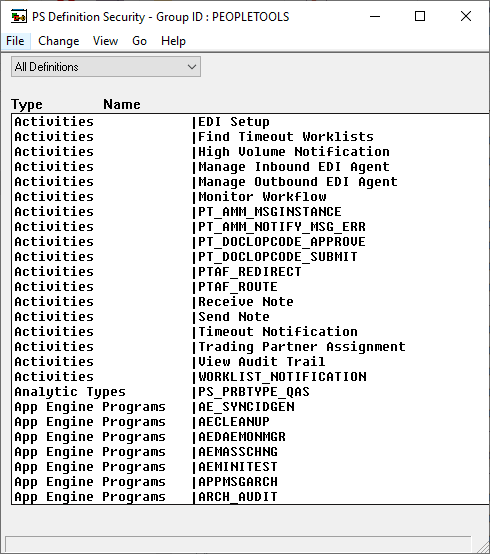
You see every definition, regardless of type, assigned to the definition group. There are two columns: Type and Name.
-
Type identifies the definition type, as in page, query, and so on.
-
Name refers to the name given to the definition when it was created.