Viewing When a User Profile Was Last Updated
Access the User Profiles - Audit page (select and click the Audit tab).
This example illustrates the fields and controls on the User Profiles - Audit page.
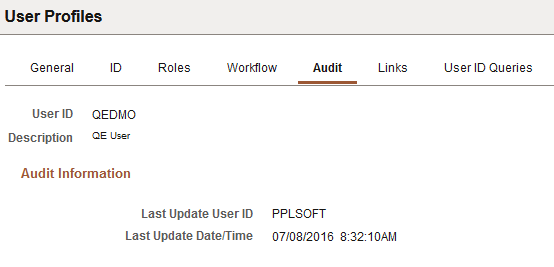
The User Profiles - Audit page is a display-only page that lists:
-
When a profile was last updated (date and time).
-
Who updated the profile (User ID).