Step 1 of 2: Select a Project
Use the Create Test Coverage Report page (PSPTTSTCOVERAGESEL) to select the projects to include in the test coverage report.
Navigation:
This example illustrates the fields and controls on the Create Test Coverage Report Wizard: Step 1 of 2. You can find definitions for the fields and controls later on this page.
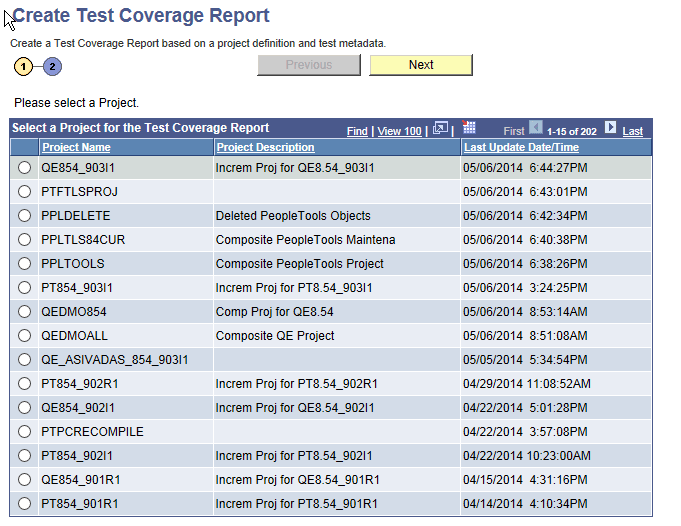
Select a change project to be correlated with PTF metadata and click Next.