Using the Test Editor
When you create or open a test, test case, or shell test, it opens in the Test Editor. The Test Editor enables you to:
-
Record and edit test steps.
-
Add, copy, and delete test steps.
-
Create and edit test cases.
-
View both test and test case in a single view.
-
Debug tests.
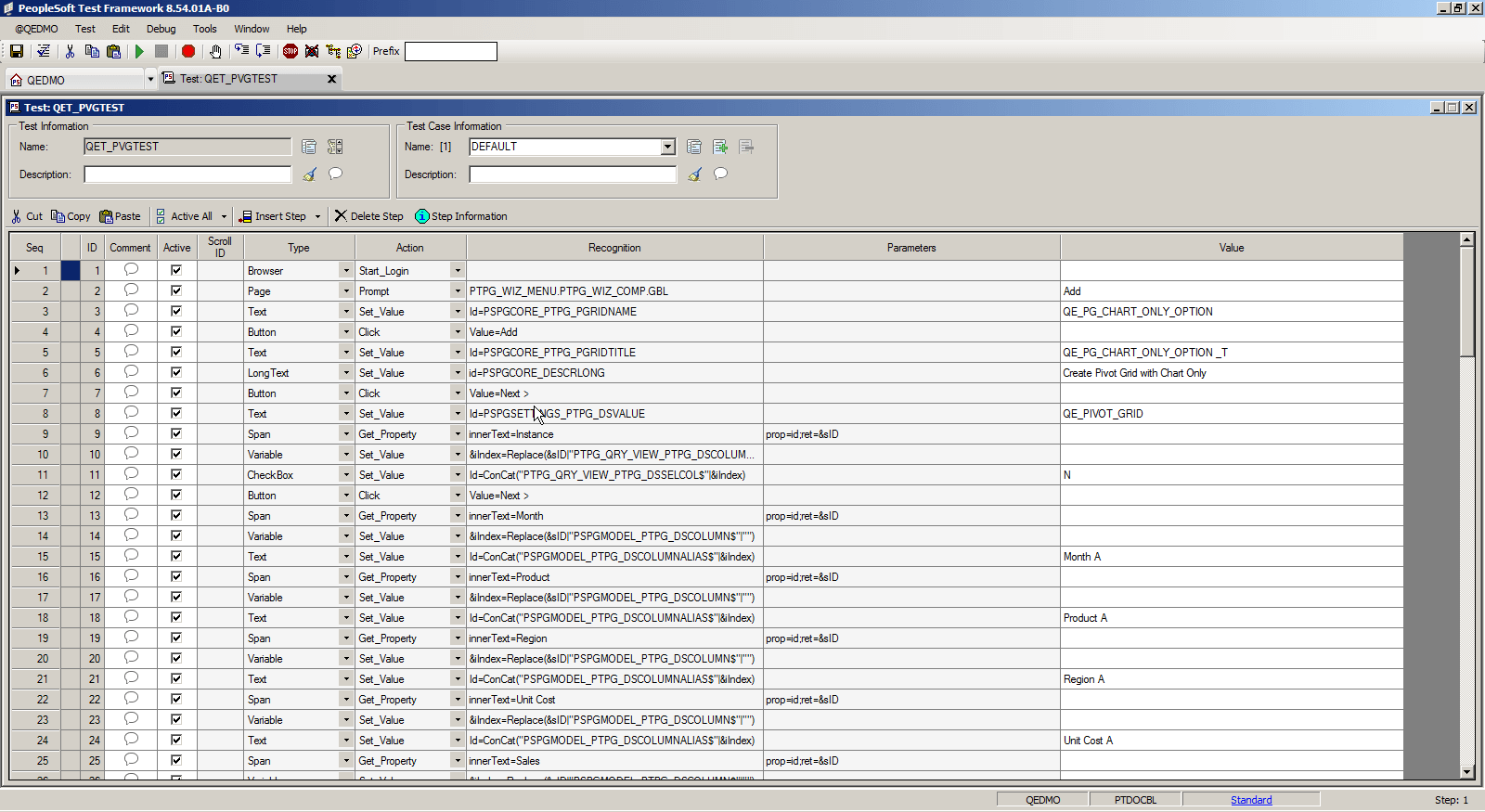
This example shows the PTF Test Editor:
This example illustrates the PTF Test Editor. You can find definitions for the menus and controls later on in this section.