Configuring Integration Broker
To configure Integration Broker in PIA:
-
Select
The search page appears.
-
Select TREE_CHANGE service operation name, and click the Search button.
-
Click the TREE_CHANGE link.
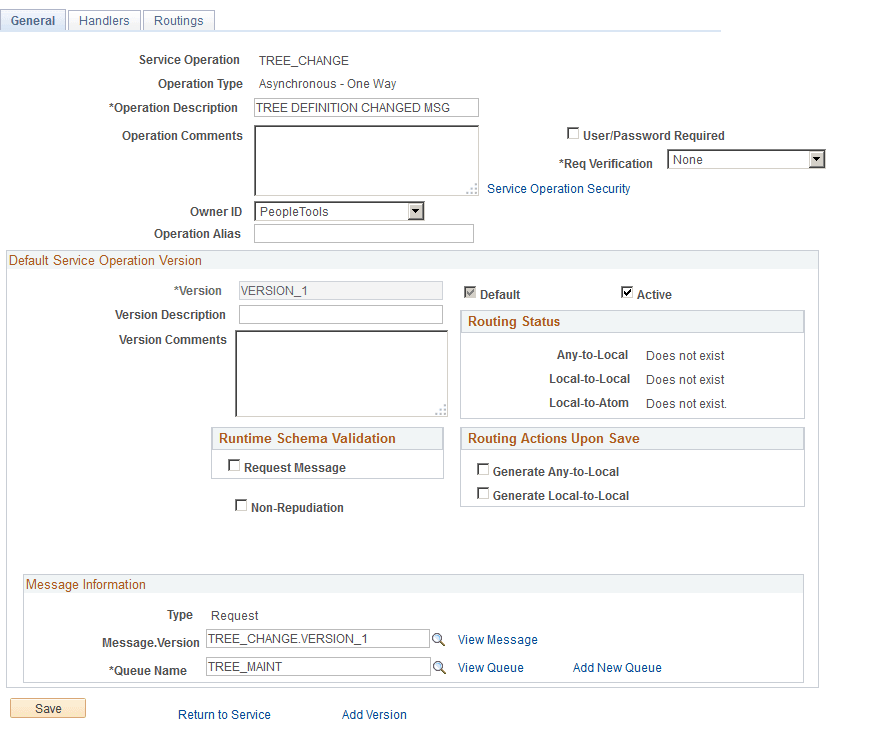
The General page appears.
-
On the General page, select the Generate Local-to-Local option.
Local-to-local routing is auto-generated.
This example illustrates the fields and controls on the General page - Service Operation.