Download Configuration Reports
Download a configuration assessment report to review or share detailed assessment results. The report provides detailed configuration and usage information for each business process.
Download a Report
- Open Configuration.
- Select Learn More, and then select View Assessment.
- Find the completed assessment you want to review, and then select Access.
- On the assessment’s Overview page, select Download Report.
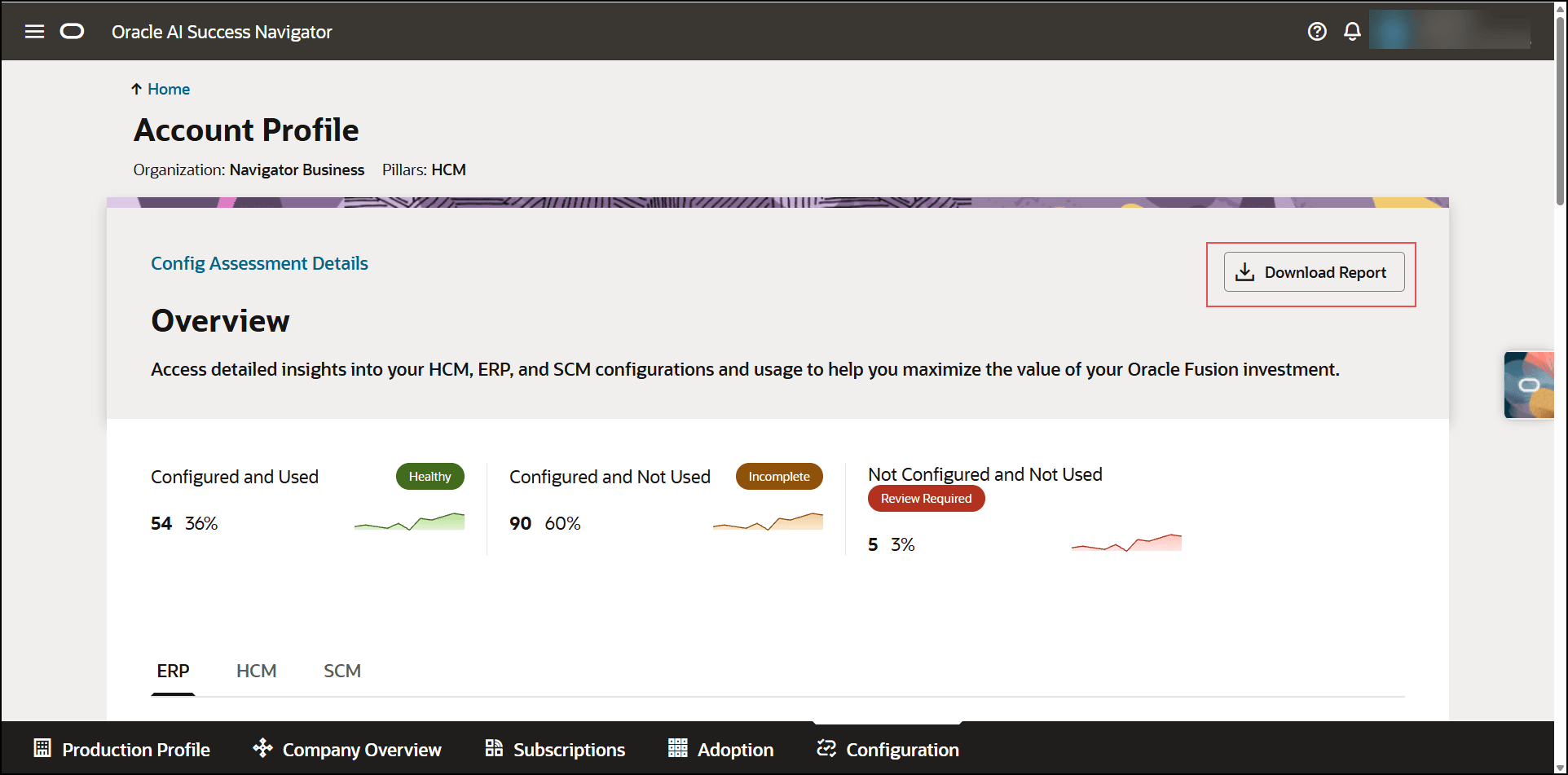
Report Contents
The report includes:
- Processes that aren't configured.
- Processes that are configured but not used.
- Configuration status for each business process.
- Usage status for each business process.
- Configuration details.
- Usage details.
Use the report together with AI Assist and Oracle documentation to understand how to configure and adopt underutilized features and maximize the value of your Oracle Fusion investment.