Manage configuration assessments
Configuration assessments collect configuration and usage information from your Oracle Fusion environment and generate the data used by Configuration insights and reports.
Use configuration assessments to compare configured features with actual usage, identify adoption opportunities, and review recommendations that help you maximize the value of your Oracle Fusion investment.
You can create a new assessment, upload assessment data, review previous assessments, and monitor assessment results from the Configuration page.
Before You Begin
Before you begin, ensure that you have access to the Oracle Fusion environment you want to assess.
You'll also need to follow the downloaded assessment instructions to generate the assessment ZIP file that you upload to Oracle AI Success Navigator.
Create Your First Assessment
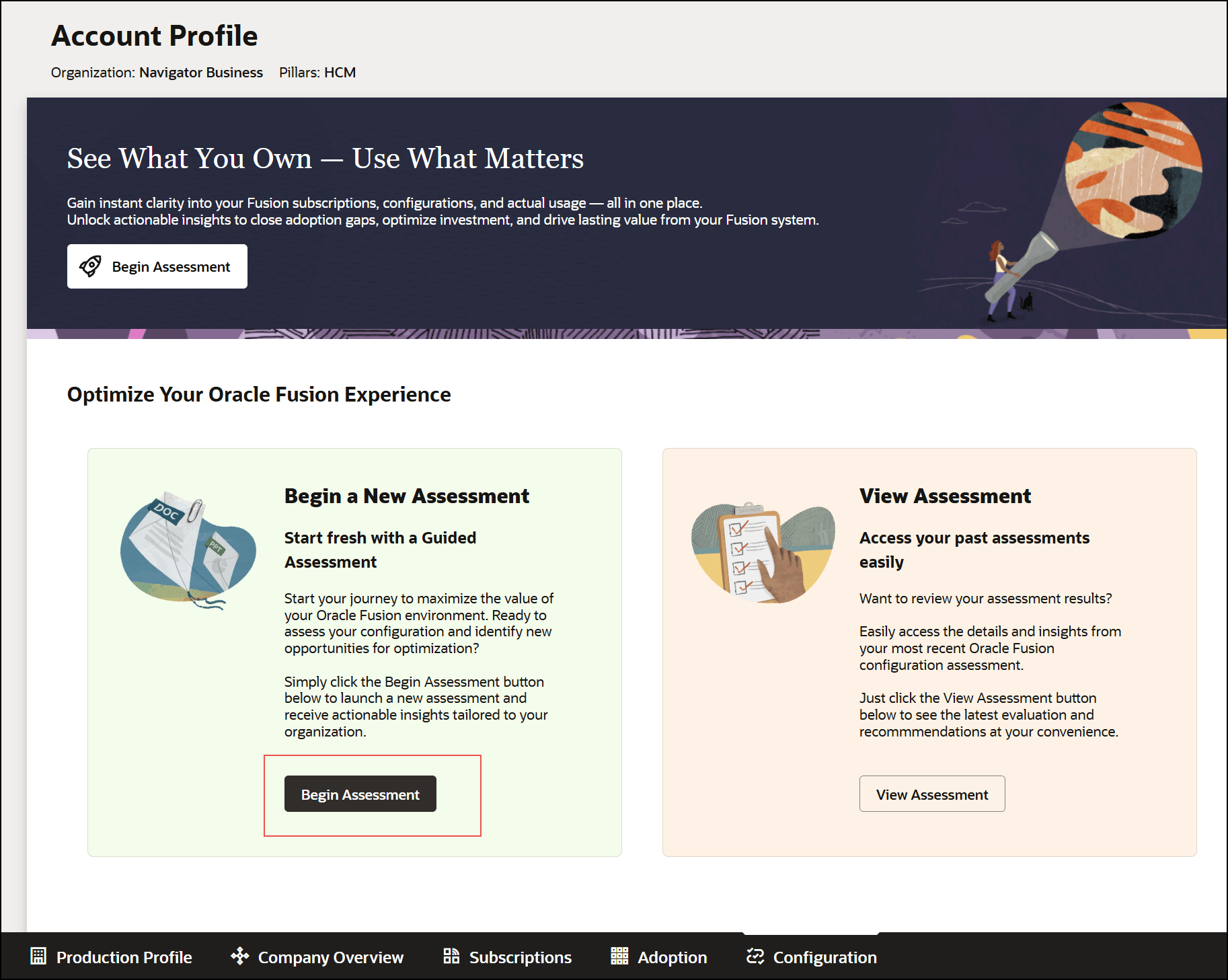
- Open Configuration.
- Select Begin Assessment.
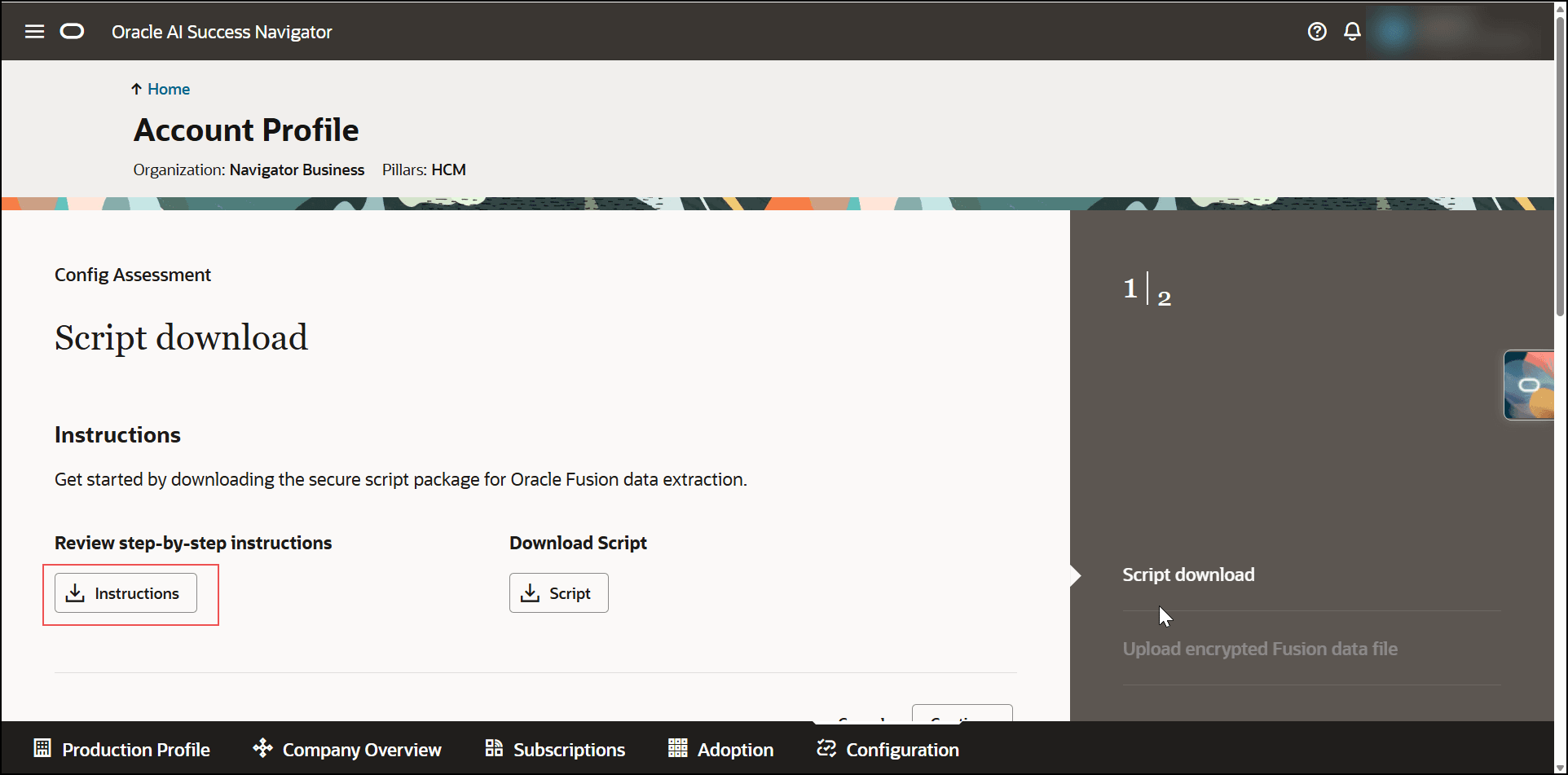
- Download the assessment instructions.
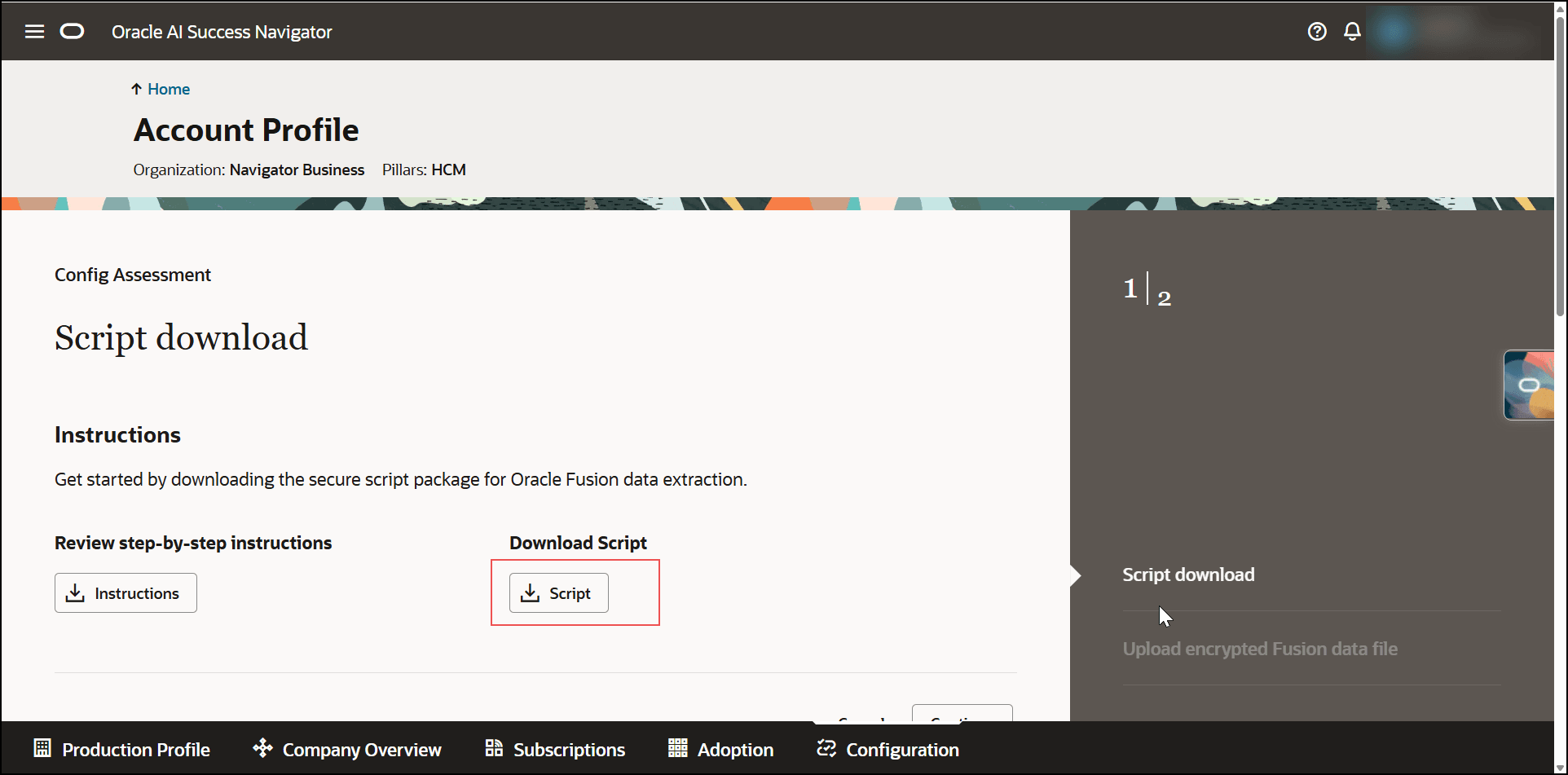
- Download the assessment script.
- Select Continue.
- Follow the downloaded assessment instructions to:
- Run the assessment script in your Oracle Fusion environment.
- Generate the encrypted assessment files.
- Package the required files into a single ZIP file
Note:
The assessment instructions describe how to run the assessment script and generate the ZIP file outside Oracle AI Success Navigator. The assessment extracts configuration and usage indicators only. It doesn't extract transaction data, personally identifiable information (PII), or other sensitive business data.