Access Read-only Starter Configuration
The read-only Starter Configuration allows you to explore business processes in a preconfigured environment using sample data and predefined user roles.
Unlike a deployed Starter Configuration, the read-only environment does not save any changes, enabling you to safely navigate and understand end-to-end business flows.
Use the read-only Starter Configuration to:
- Explore end-to-end business processes without impacting data.
- Understand how roles (personas) interact across workflows.
- Replay predefined business scenarios using sample data.
- Familiarize yourself with the application before requesting your own environment.
Access the read-only Starter Configuration
- Go to the Explore the Fusion Starter Configuration page.
- Select View Details under Users and use cases.
- Identify a user aligned with your scenario and note their User Name.
- Select View Credentials, and then select Copy Password.
- Return to the previous page. Use the browser back button or < in the Users and Use Cases header.
- Select Access Starter Configuration Environment.
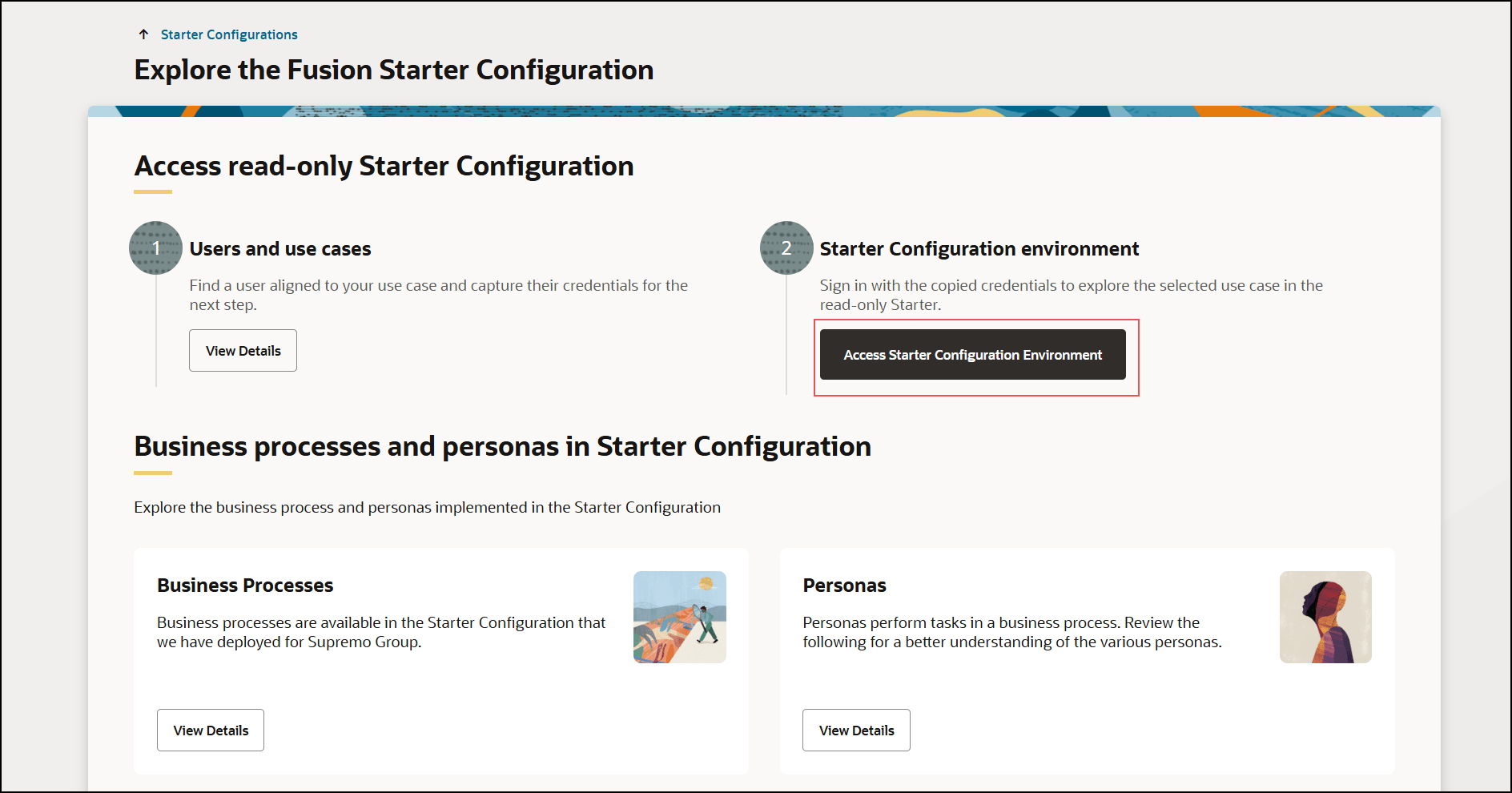
- Sign in using the copied user credentials.
Explore business processes
Once signed in, you can:
- Navigate end-to-end business flows.
- Review transactions and process steps.
- Use Oracle Guided Learning to follow guided scenarios.
- Explore how different personas perform tasks across processes.
Key characteristics of read-only Starter Configurations
- Changes are not saved.
- Uses predefined configurations and sample data.
- Provides access to predefined users and use cases.
- Does not support personalization or data upload.