Modify a Topic
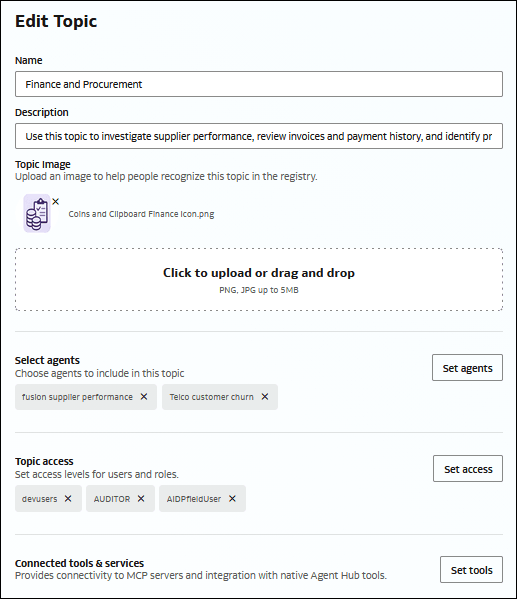
Modify a topic when you need to update its name, description, image, associated agents, or connected tools and services.
You must have the appropriate permission to modify a topic. For information about topic permissions, see Understand Topic-Based Access.
- In the navigation panel, click Registry
 .
- On the Registry page, click the Topics tab
 .
- Locate the topic you want to modify, click More Actions
 and click Edit.The Edit Topic page is displayed.
- Modify the topic's settings, selected agents, and connected tools and services as needed.