Connect to an Oracle NetSuite Analytics Data Source
In Oracle Analytics, you can connect to an Oracle NetSuite Analytics data source.
Pre-requisites
- Check with your OAC administrator that the NetSuite Analytics connector is configured in Oracle Analytics. See To configure the NetSuite Analytics connector in OAC. When it is configured, Oracle NetSuite Analytics is available in the list of connection types.
- For NetSuite Analytics customers, the Oracle Analytics Cloud instance must be configured with the default NetSuite Analytics integration record and global client ID by the administrator to enable the Oracle NetSuite Analytics connector in Oracle Analytics Cloud.
- In Oracle NetSuite Analytics, you need access to the NetSuite OAuth 2.0 Client Credentials Setup page and permission to create a client-credentials mapping on the Setup page.
- This feature is currently available only to NetSuite Analytics Warehouse (NSAW) customers. If the NetSuite Analytics connector is not visible in your Oracle Analytics environment, contact your Oracle Analytics or NSAW administrator.
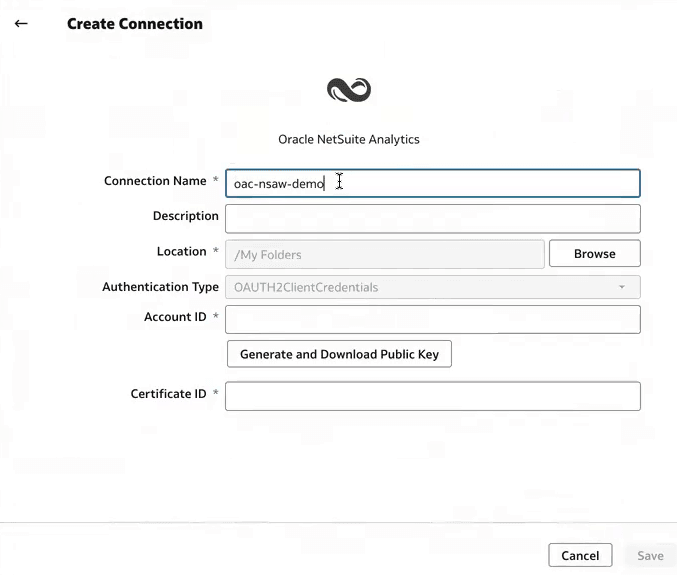
- Click Generate and Download Public Key.Oracle Analytics Cloud generates the key material that you use to configure the client-credentials mapping in NetSuite.
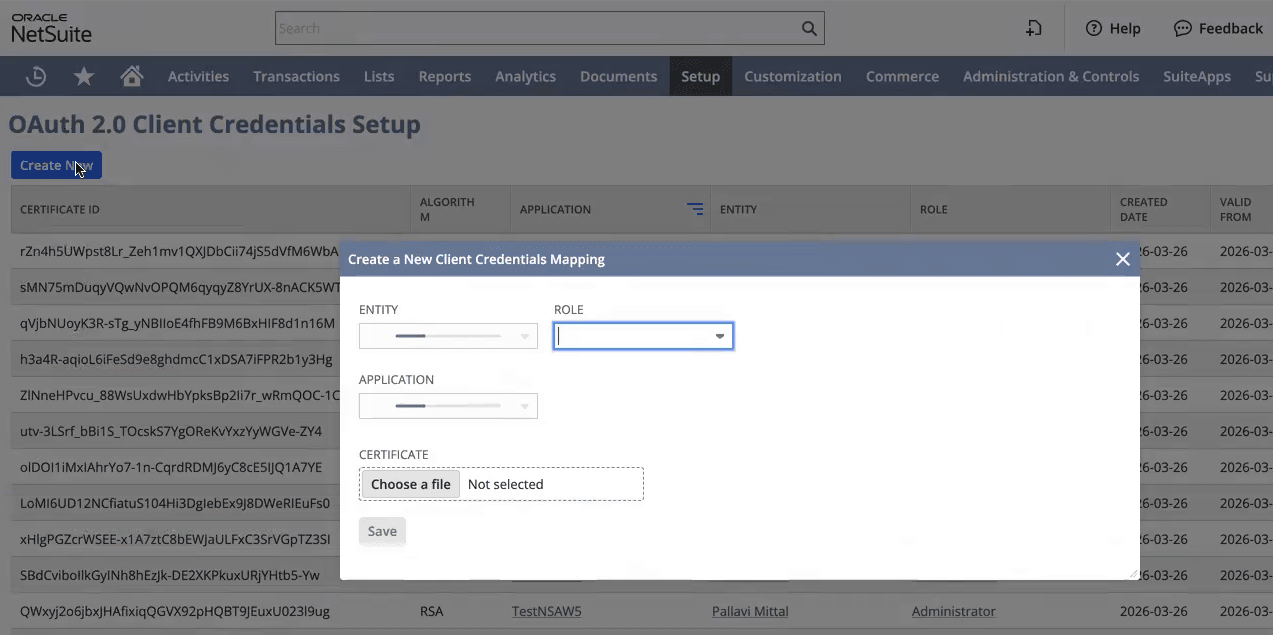
- In NetSuite Analytics, under Setup, open OAuth 2.0 Client Credentials Setup and create a client-credentials mapping.
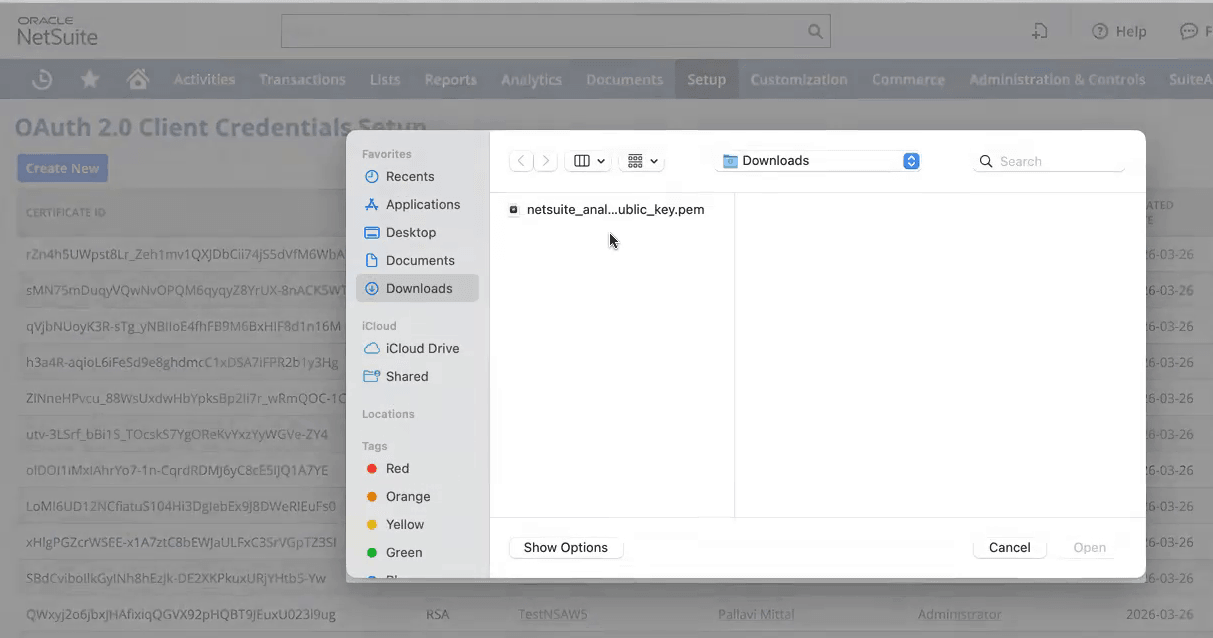
- Under Certificate, click Choose a file and select the NetSuite Analytics PEM file that you generated in Step 5, then save the details.
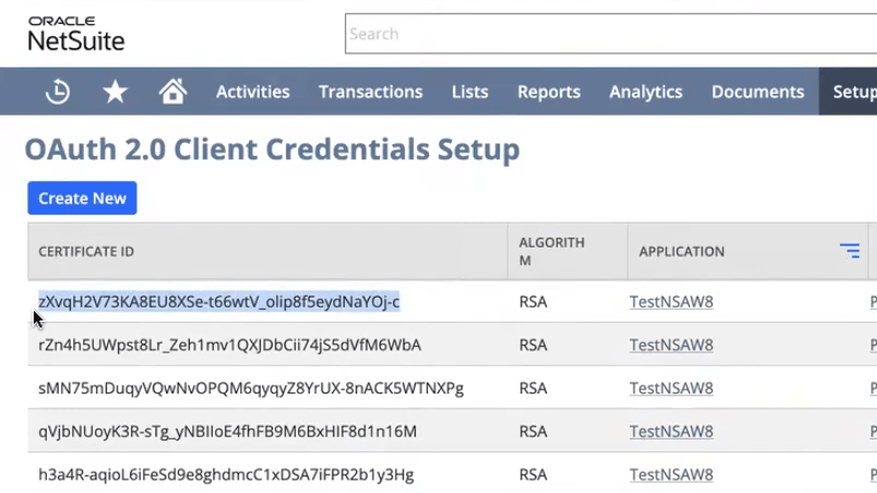
- In Netsuite Analytics, record the certificate ID that NetSuite assigns to the client-credentials mapping.
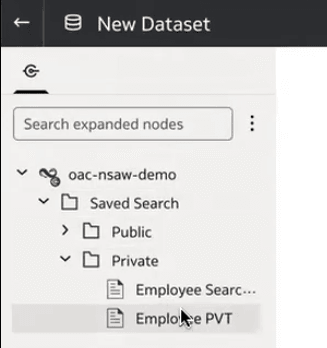
- Open the connection and create a dataset. Confirm that you can browse the NetSuite data.