Apply Formatting to Content
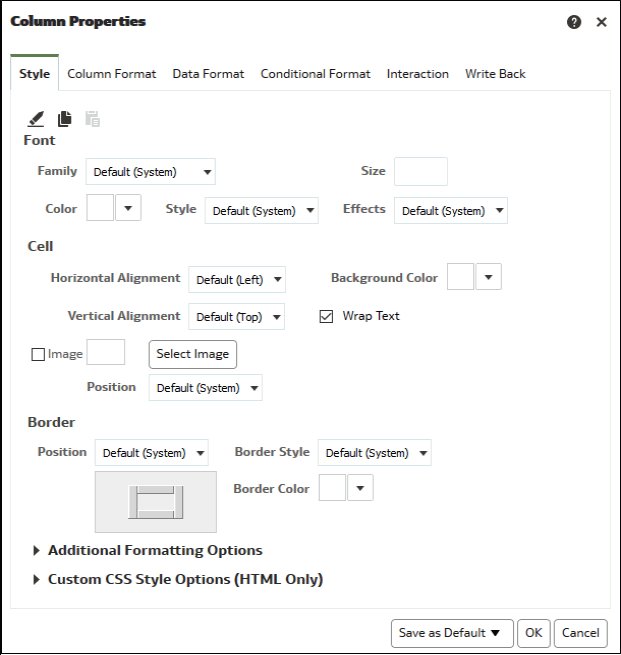
You can apply basic formatting to values in many types of content including columns, views, and dashboard page sections.
For example, you might want region names in a column to be displayed as Arial 14 point and red. You might also want state names to be displayed as Calibri 12 point and blue.
- Specify the style characteristics of the column such as font, cell alignment, and border.