Change Your Own Password
You can sign in to Oracle Analytics Cloud to change or reset your password. If you forgot the password you use to sign in, you can ask the administrator to reset it.
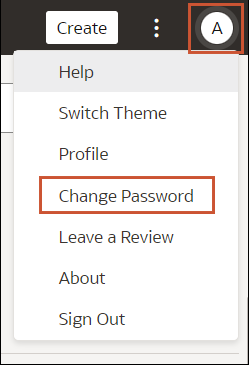
- On your home page, click your user name or name badge with your initials.