Create Selection Steps
Selection steps help users display the data they want to analyze. When you add a column to an analysis, an implicit "Start with all members" step is added. The "all" implies all the members of the column after filters are applied.
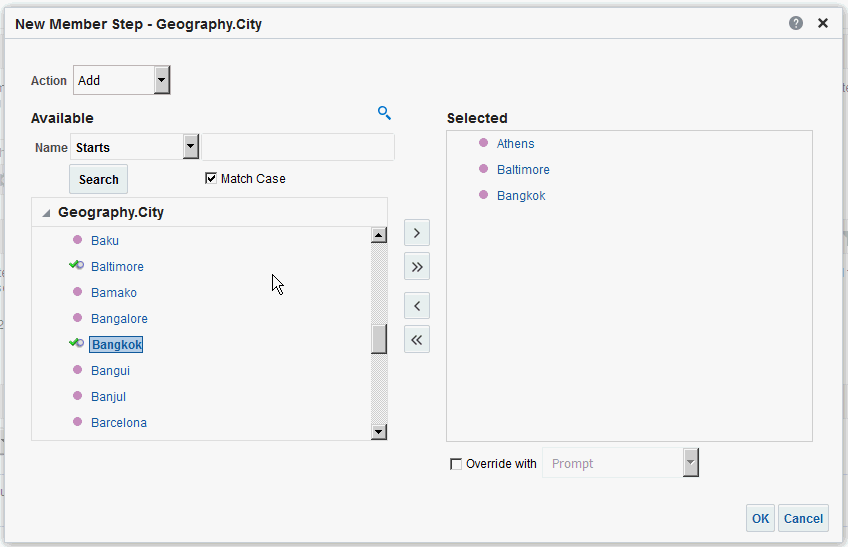
For example, you can create a selection step to specify criteria for the following members in an Office column: Baltimore, Austin, and Athens.
- If you’re creating a member step, then move the members to include in the step from the Available area to the Selected area.