Restore a Hidden Column in a Dataset
In the transform editor, you can unhide (restore) columns to make them available again to dataset and workbook users.
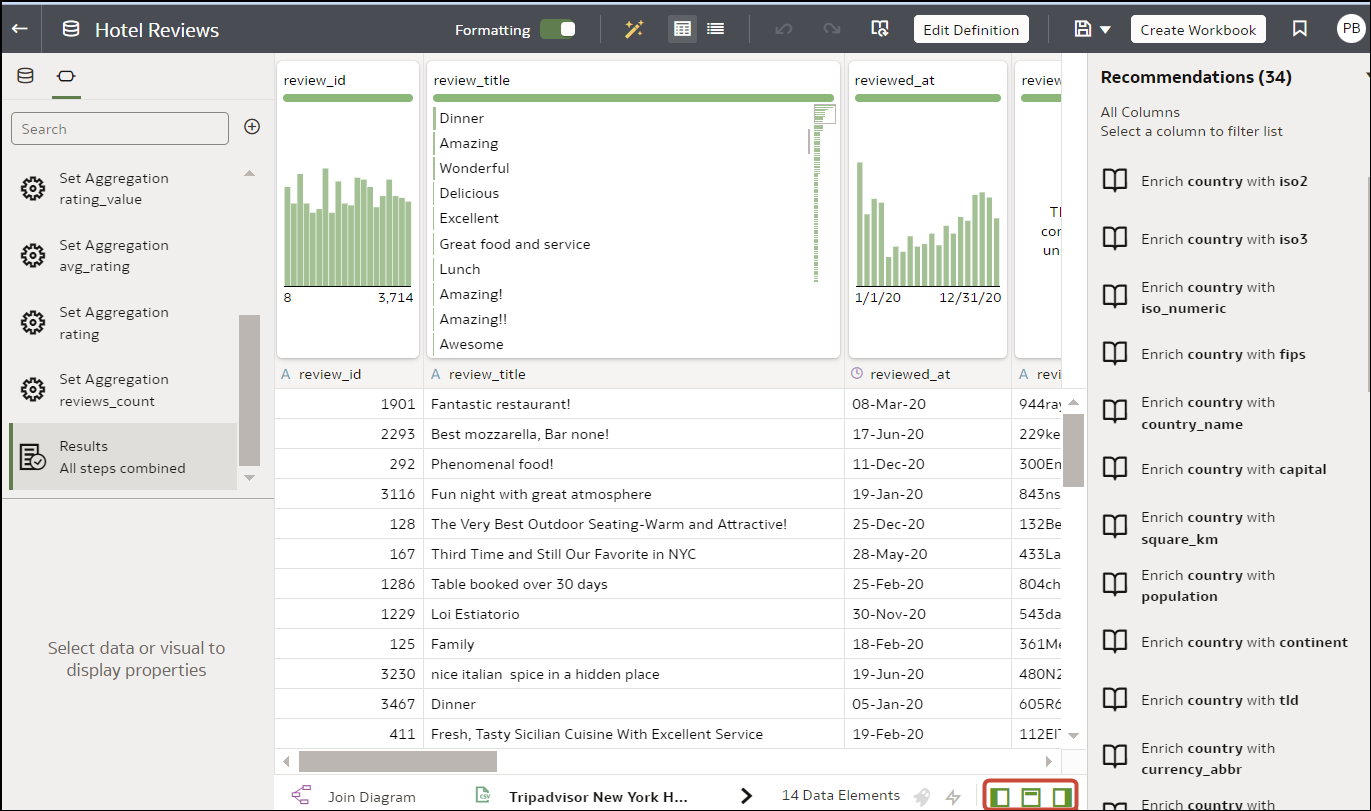
- On your home page, hover over a dataset for which you have edit permissions, click Actions, and then select Open. If the dataset contains a single table, you'll see the transform editor. If the dataset contains multiple tables, you'll see the Join Diagram. In the Join Diagram, right-click a data source and click Open to display the transform editor.
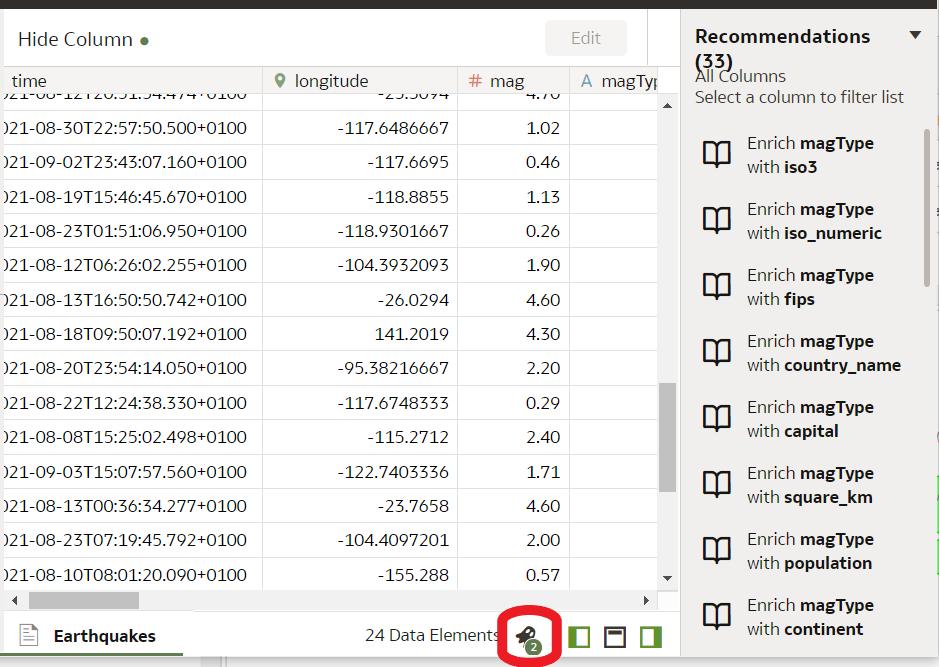
- Optional: To unhide one or more hidden columns, click Hidden columns and click Unhide All.