Set the Time Zone for a Dataset
Specify the time zone to use for a dataset. Setting a time zone for a dataset defines which time zone the source data is in, in other words, what time zone the data was collected in.
You can only set a time zone for datasets that you own. By default, no time zone is selected for a new dataset.
If you specify a time zone for a dataset, when a user views the data in a workbook, Oracle Analytics converts any date time columns based on the time zone setting in the user's profile. For information about setting your preferred time zone, see Set Your Preferred Time Zone.
- On your home page, hover over a dataset that you own, click Actions, and then click Inspect.
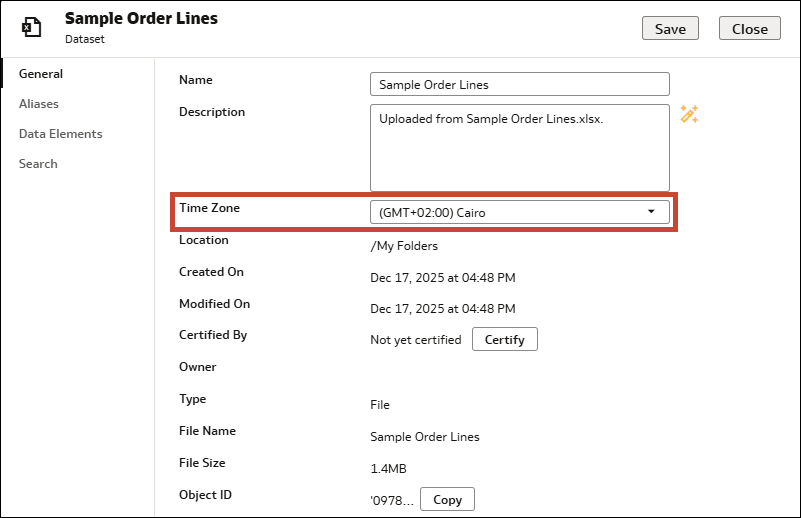
- In the General tab, in the Time Zone row, select a time zone from the drop-down list.
- Click Save, then click Close.