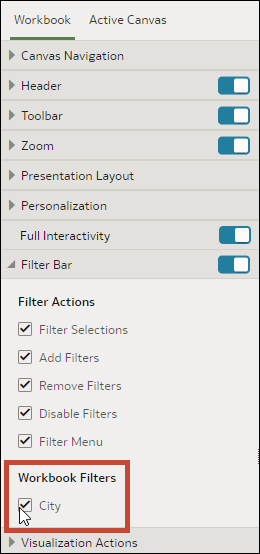
Show or Hide Workbook Filters
When you configure the presentation settings for a workbook, you can hide or show any individual workbook filters for consumers.
Any filters that you hide or show using the presentation settings are saved in the consumer view and aren't saved in the workbook editor.
Pinned selection steps in the filter bar can't be hidden.
- On your home page, hover over a workbook, click Actions, and select Open.
- From the Preview menu
 , select Configure Presentation.
 - In the presentation settings panel, click the Workbook tab.
- In the Workbook Filters section, deselect the filters that you want to hide, or select the filters that you want to display.
- Click Save.