(Preview) Use AI Assistant in the Data Flow Editor
Accelerate your data flow development using AI Assistant.
When you build your data flow or create expressions, use Assistant to recommend high-value derived fields in expressions and generate new columns from plain-English descriptions. Quickly discover useful metrics, flags, and transformations, then create the required formulas and expressions with a single click—reducing both enrichment discovery and manual formula-writing effort.
If you don't see the Assistant, ask your Oracle Analytics Administrator to enable it.
Creating steps:
On the menu bar click Assistant 
to display the Assistant panel, where you can type or speak a natural language request to get AI assistance. For example, you might ask "Calculate the average wait time for patients".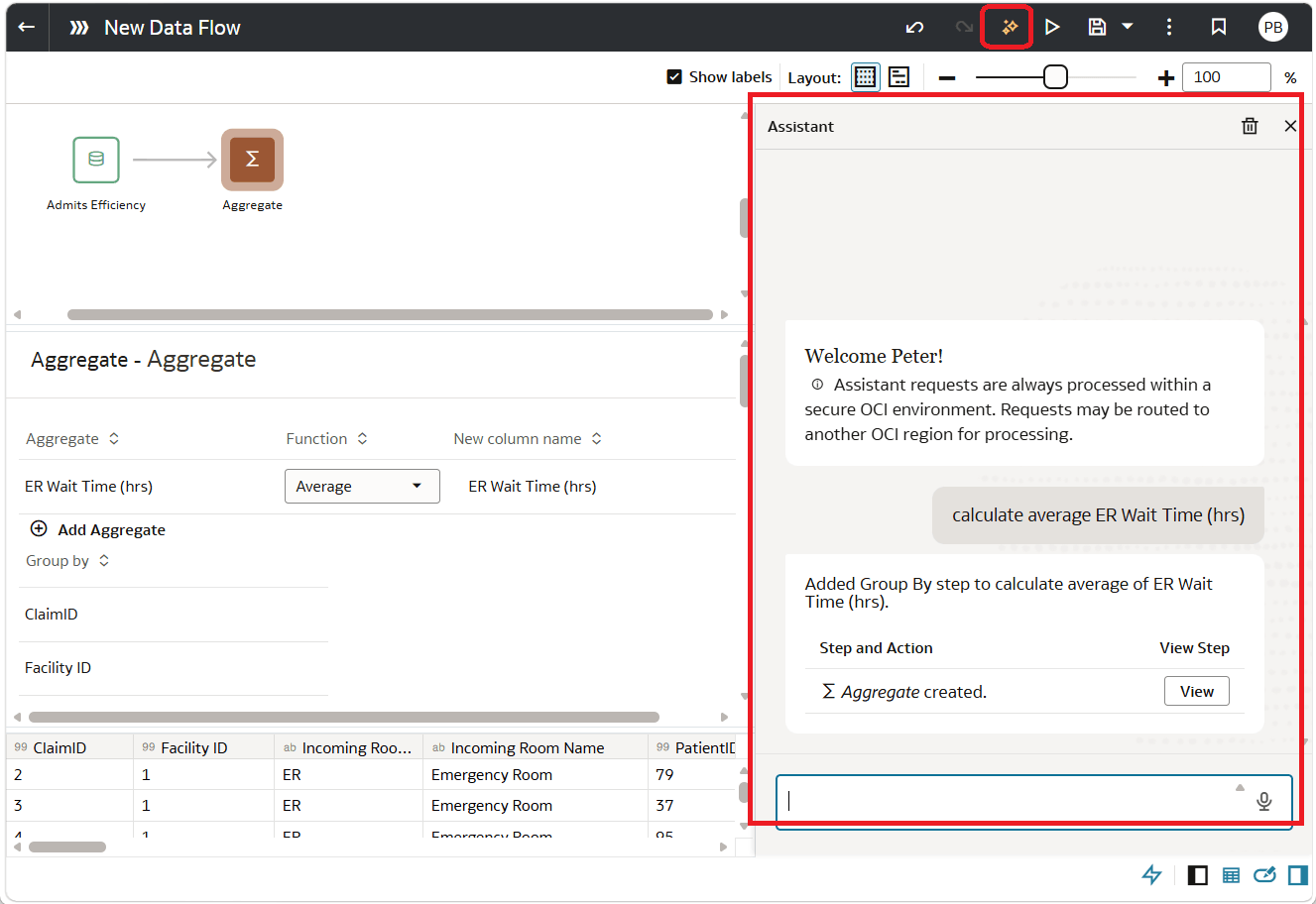
Description of the illustration dataflowassistant.png
Creating expressions:
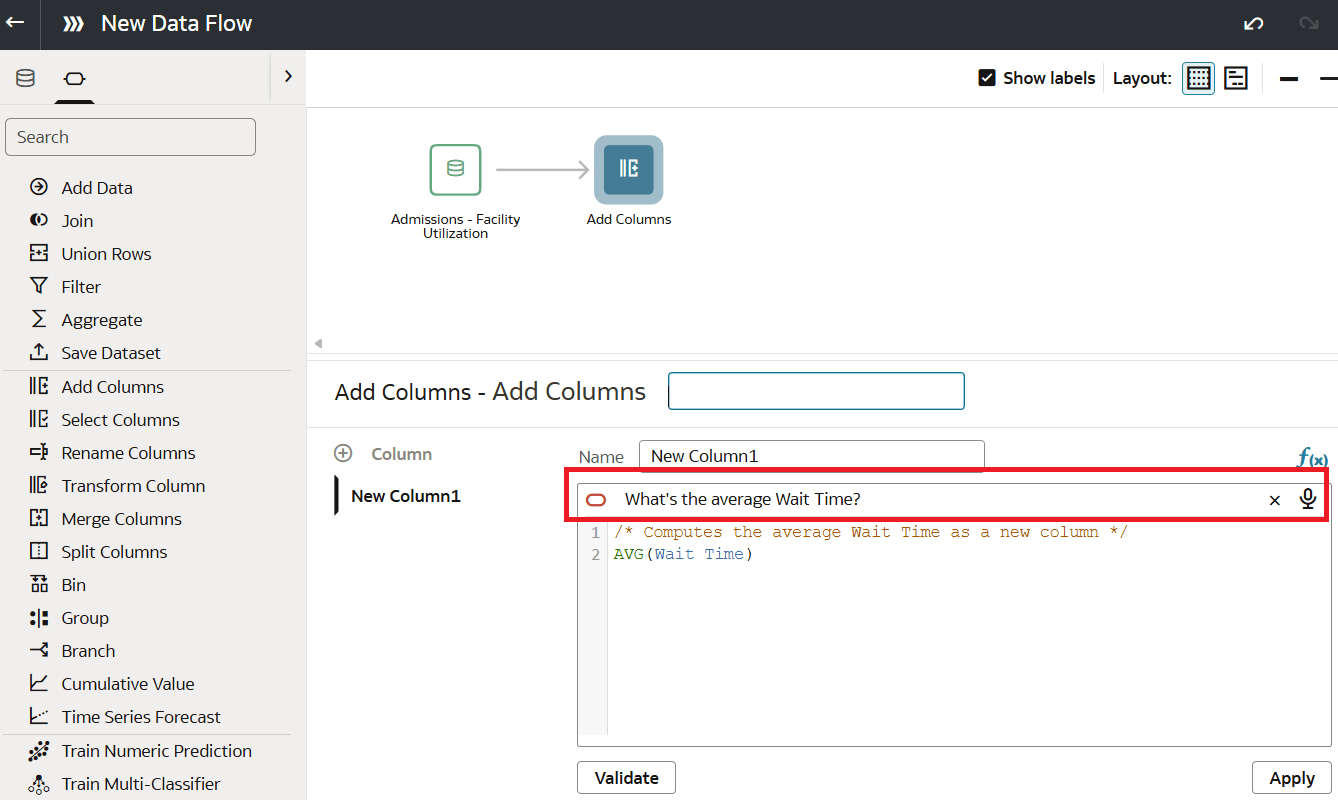
In the Assistant box above the expression editor, type a natural language request or click the microphone icon and speak your question. For example, you might ask "Calculate the average wait time for patients".