Use Case: Send a Callback to an AI Agent for an Asynchronous Tool
You have an AI agent that calls an asynchronous tool. Let's walk through the integrations you have, the AI agent, the AI agent run, and the callback to the AI agent.
What you configured
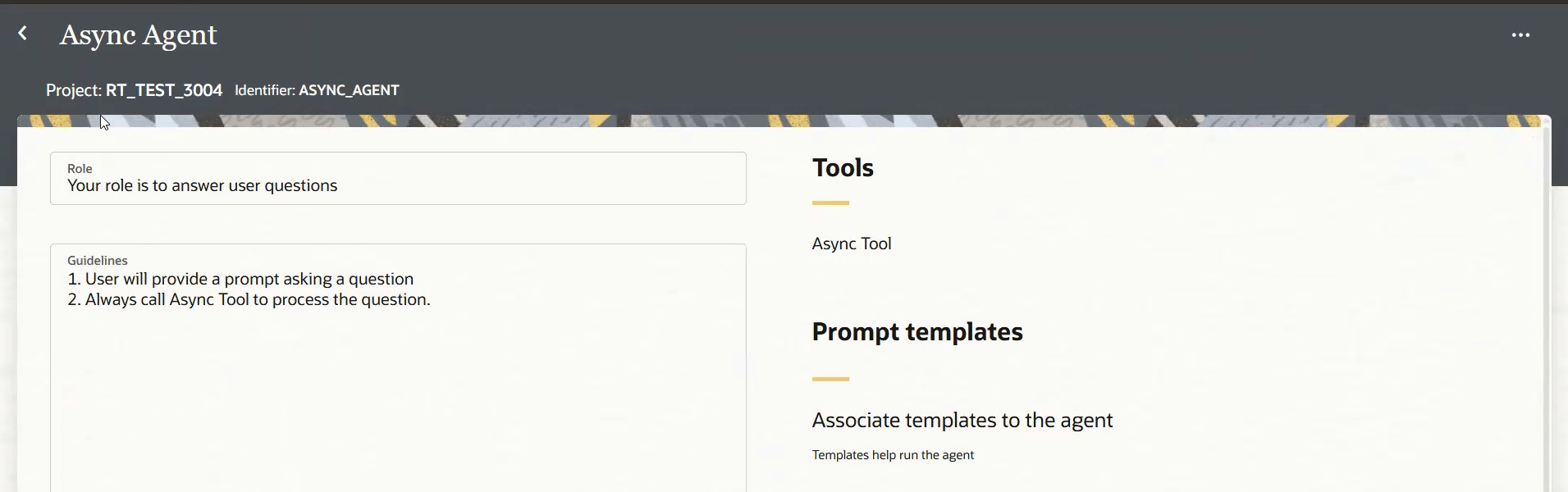
You have an AI agent that calls an asynchronous tool.
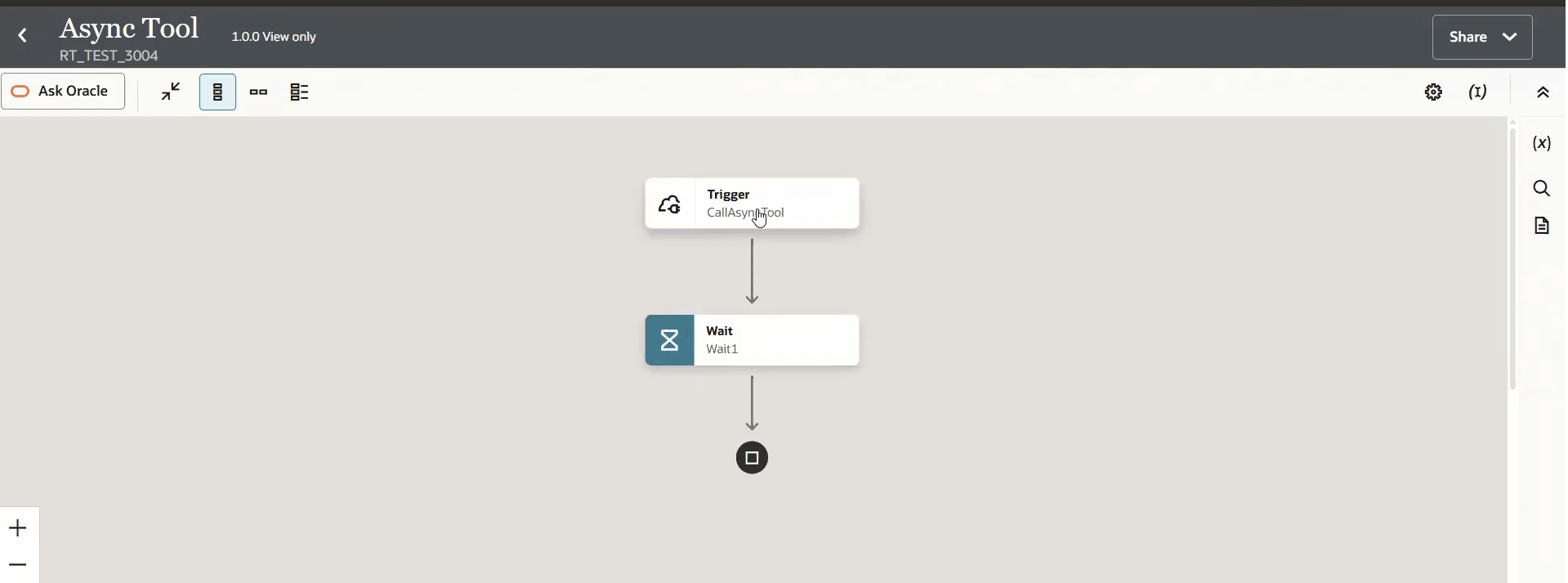
For this example, you have an agentic AI tool, an integration that makes a wait call but you can make a call to a stored procedure, a bulk operation, or any other asynchronous operation.
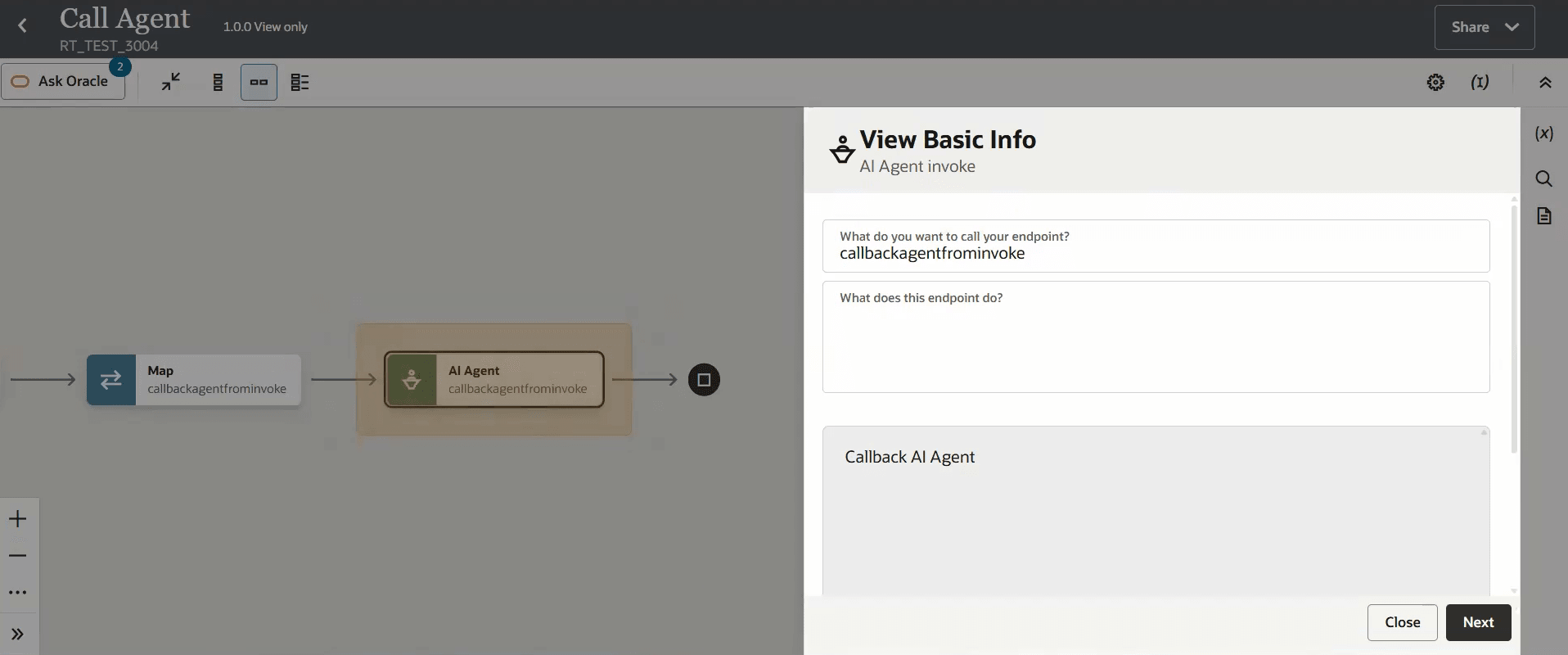
You also configured the project and AI agent in the callback. 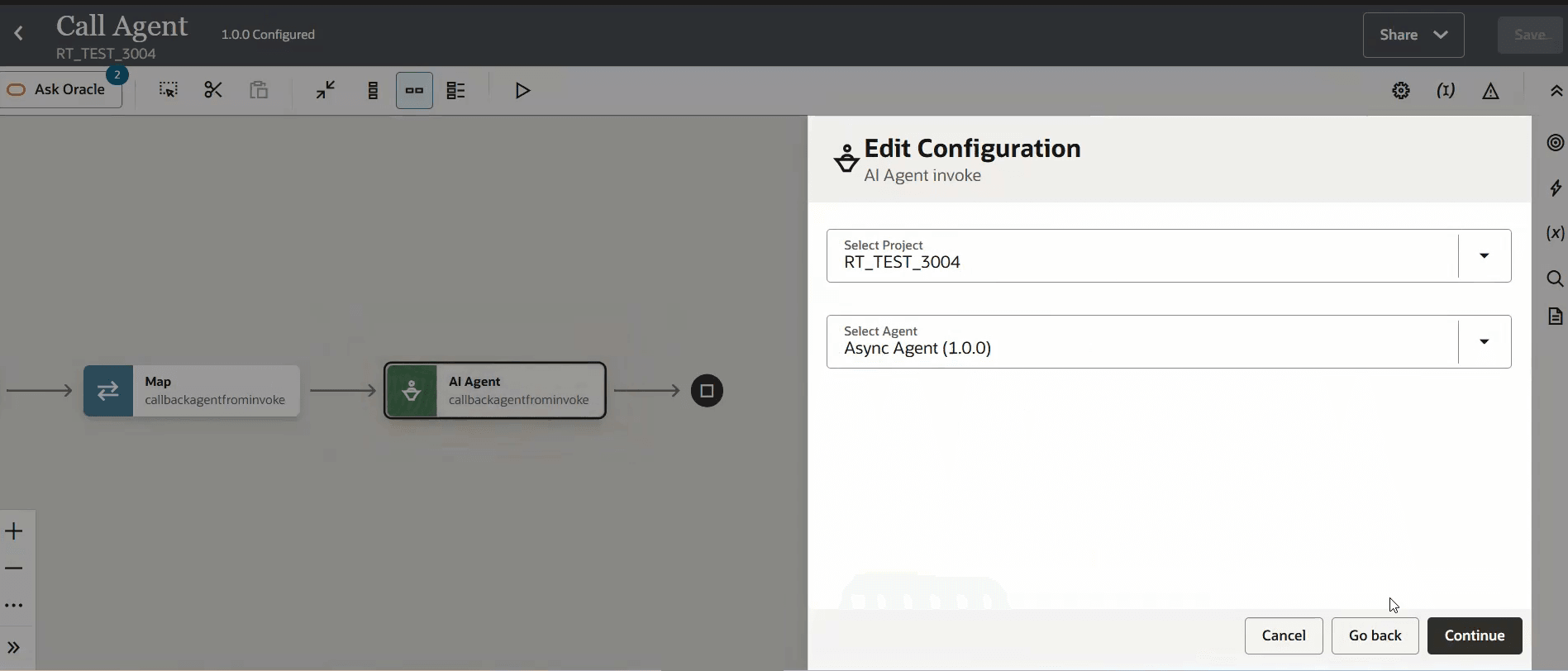
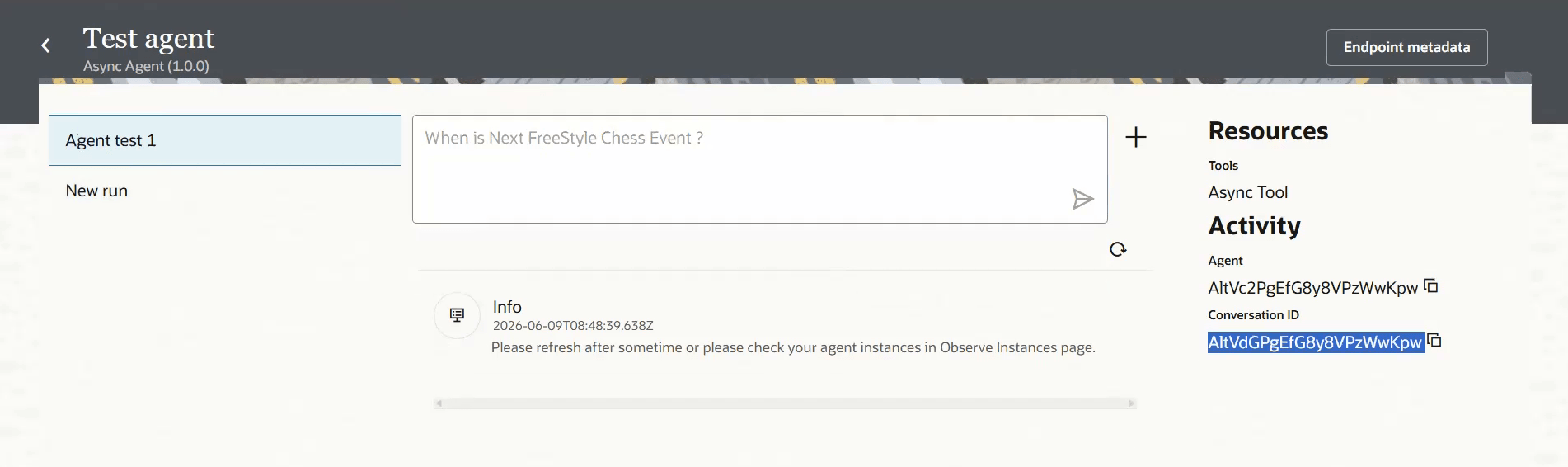
Tip:
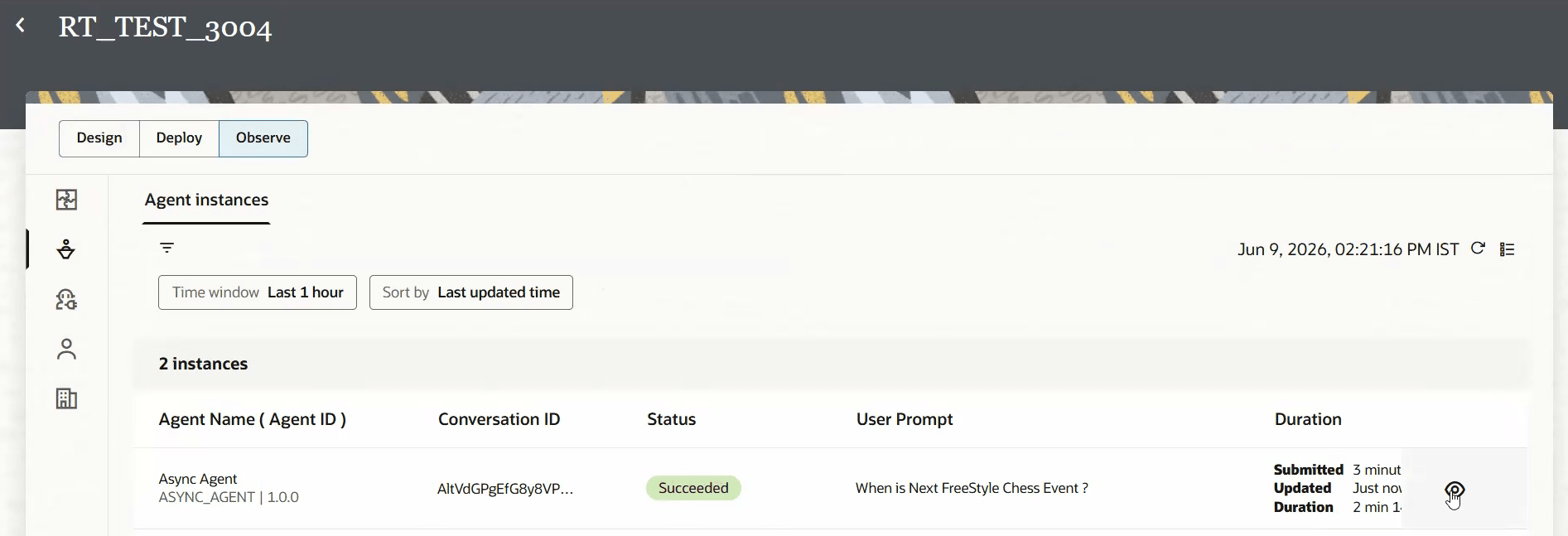
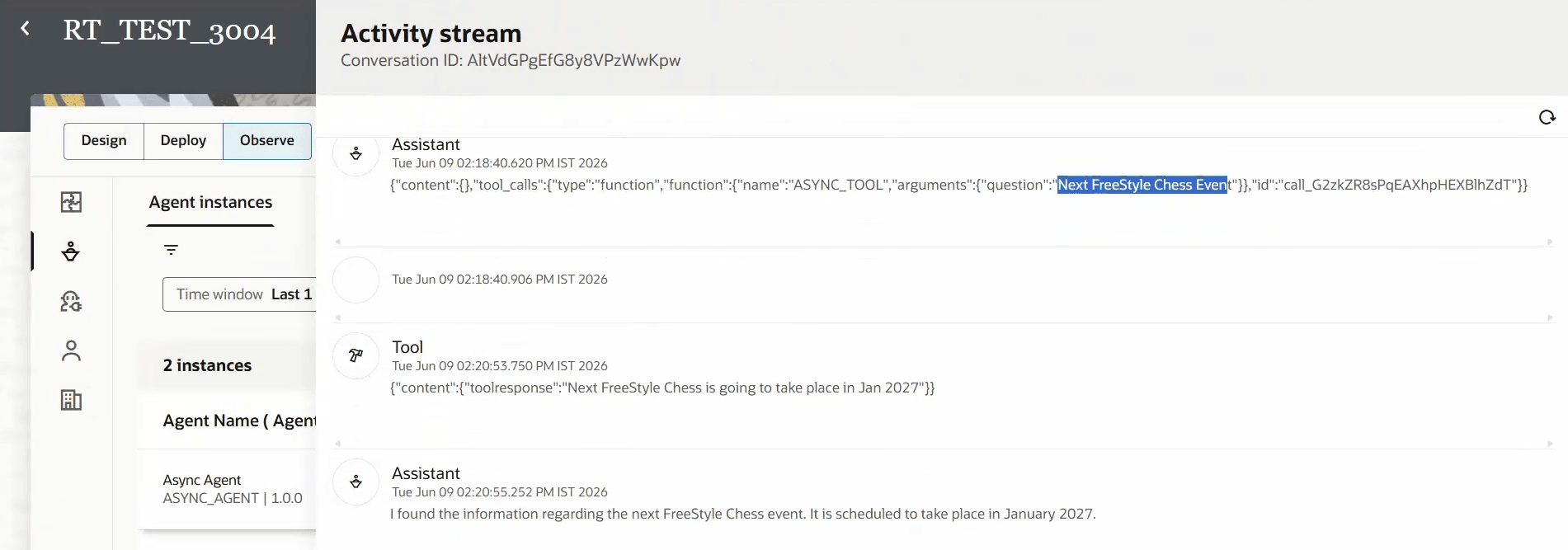
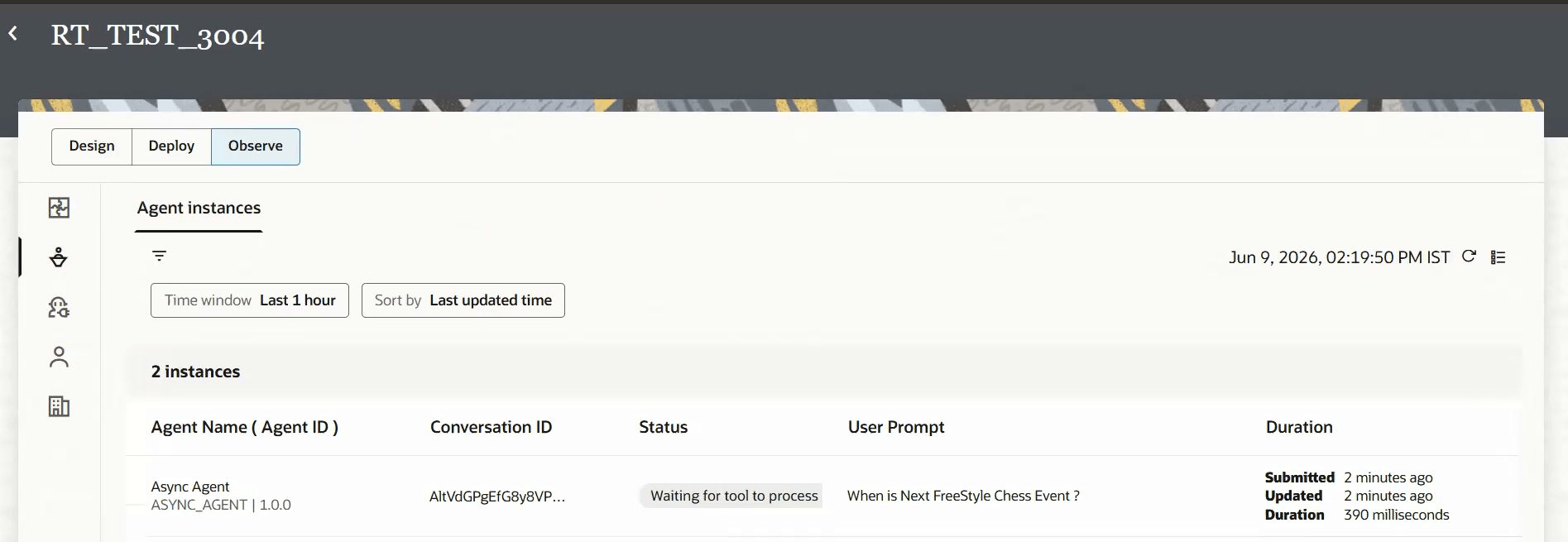
Take note of the Conversation ID. You need it to send the response back to the AI agent in the callback.Waiting for tool to process. The AI agent has this status until it receives a response.
Sending the Response with the Callback
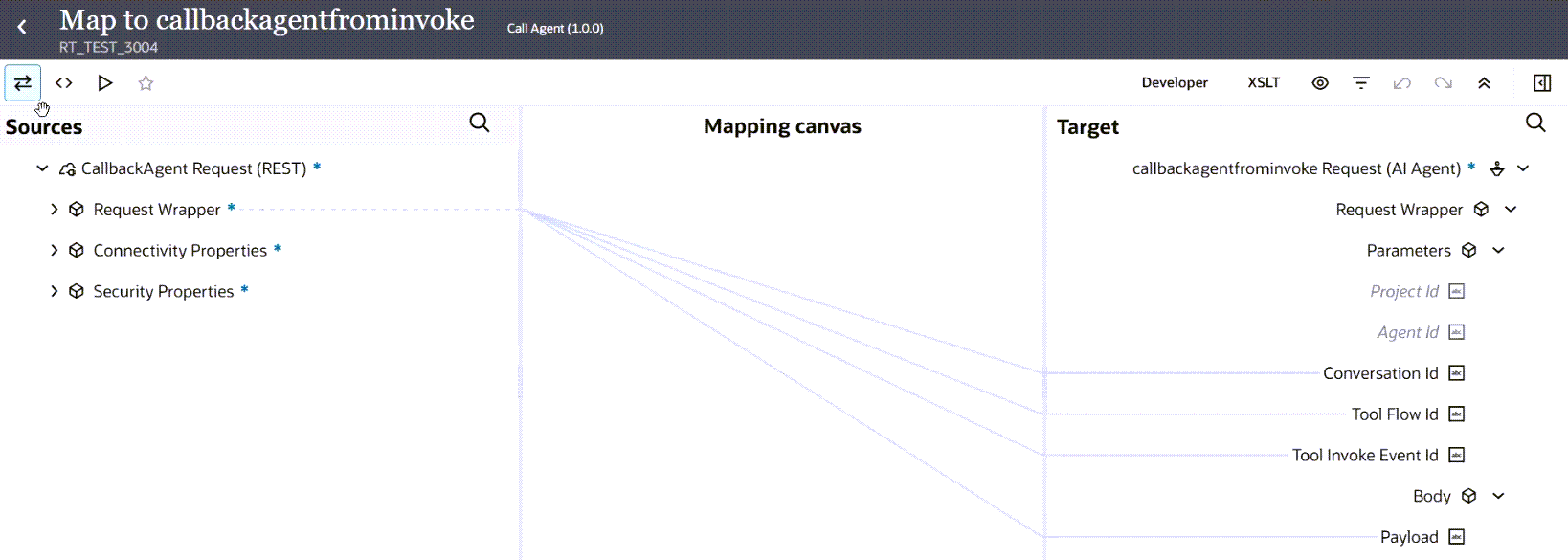
The tool has processed what it needed. You run the callback integration that contains the Callback AI agent action to send the response back to the AI agent. To send the response, you need:
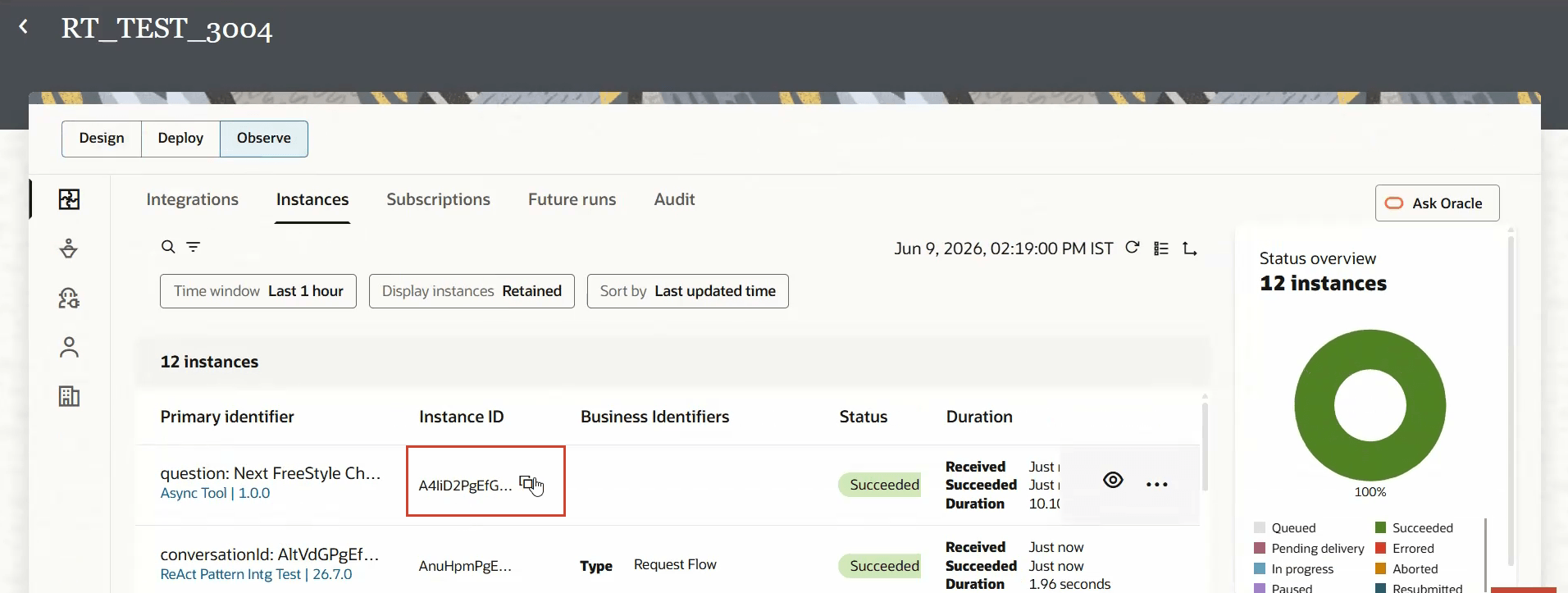
- The conversation ID from the AI agent run. You obtained the conversation ID when you ran the AI agent from the Test agent page. You can also obtain the conversation ID by adding an
x-agentic-callback-uriheader to the asynchronous tool integration trigger. See Obtain the Conversation ID and Tool Instance ID. - Tool Flow ID: The instance ID of the integration that was registered as an agentic AI tool and was run by the AI agent. You can also read the instance ID that's populated at runtime using integration metadata in the mapper. See Obtain the Conversation ID and Tool Instance ID.
- Tool Invoke Event ID: Same value as Tool Flow ID. The instance ID of the integration that was registered as an agentic AI tool and was run by the AI agent.
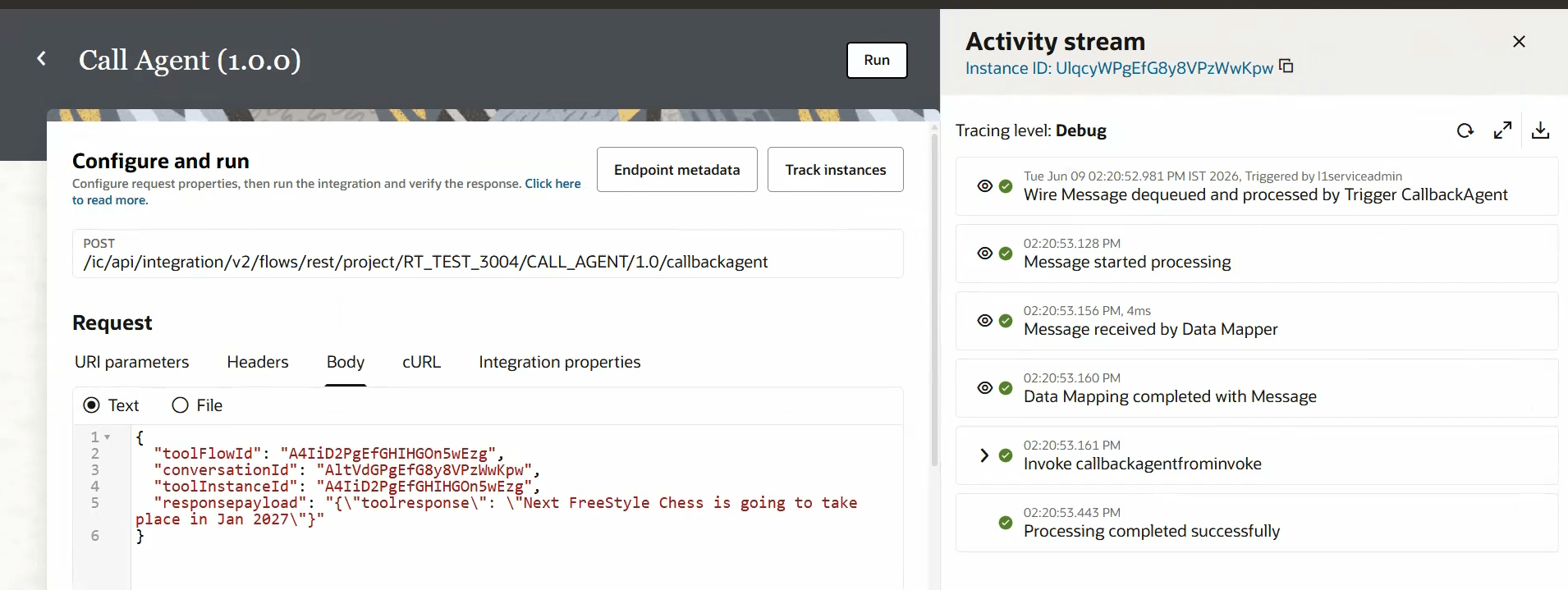
You can now run the callback integration and specify the response.
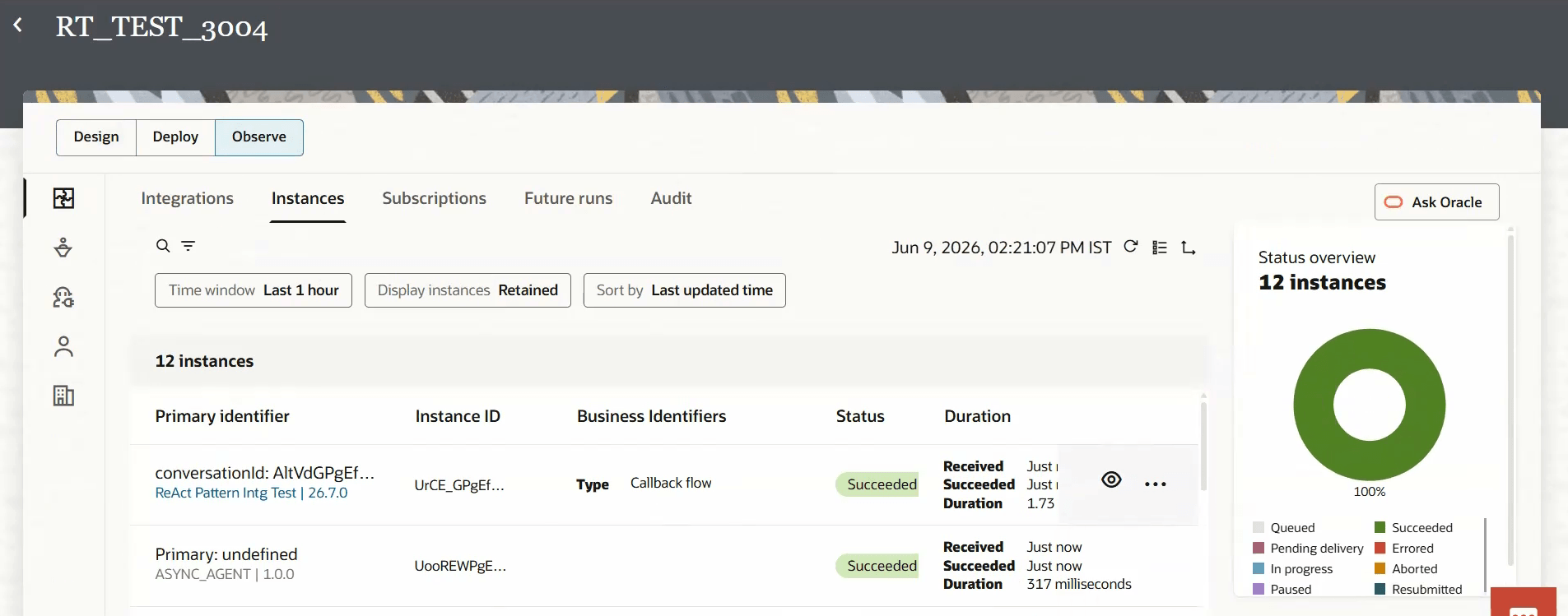
In the Integrations Observe Instances page, you see that the ReAct pattern associated with the AI agent has received a callback. It has the Business Identifier Callback flow.
In the Agent instances page, you can see the AI agent succeeded.