Update a JSON Schema

If you need to change the sample JSON payload you originally uploaded when creating the JSON schema, edit the JSON schema and upload an updated JSON payload.

  1. Hover over the JSON schema and click Edit Edit icon.
  2. Click Choose file, and upload an updated sample JSON file.
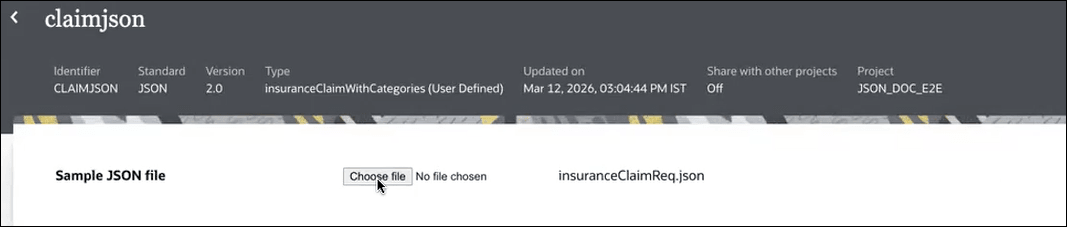
    The image shows the claimjson page. On top are the following metadata fields: Identifier (CLAIMJSON), Standard (JSON), Version (2.0), Type: insuranceCliamWithCategories Updated on (Date and time), Share with other projects (Off) and Project (JSON_DOC_E2E). Below, there is a section labeled “Sample JSON file” with a file upload control (“Choose file – No file chosen”). To the right, a filename is displayed: insuranceClaimReq.json.

  3. Click Save.