View Instance Outbound and Inbound IPs
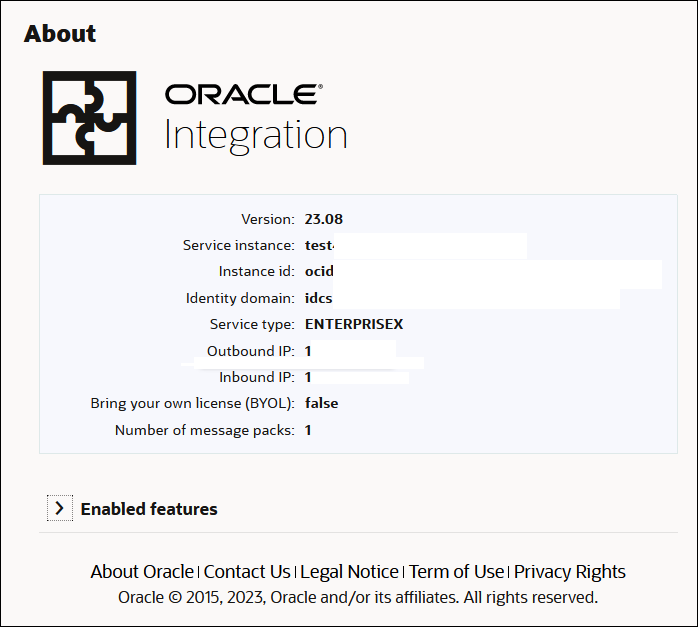
You can obtain the NAT Gateway IP address (outbound IP address) and inbound IP address of your Oracle Integration instance from the About menu in Oracle Integration.
You'll need the outbound IP address for tasks such as adding Oracle Integration to the allowlist of each target service it accesses. For example, you might need to add the Oracle Integration outbound IP address to an allowlist for a remote FTP server.
You'll need the inbound IP address if you restrict access from specific hosts or networks to internet resources. For example, you might need to restrict the server hosting the connectivity agent to communicate only with your Oracle Integration instance.
- Go to the About menu in Oracle Integration. This menu is not available in the Oracle Cloud Console. You can access Oracle Integration from the URL listed in the Service console URL field on the details page of your Oracle Integration instance. See View Instance Details.
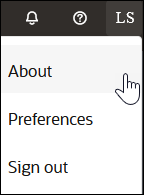
- Select About.
The outbound and inbound IP addresses are displayed.