Create a Connection for Data Augmentation Scripts
As a functional administrator, create a connection to create a data source to the data warehouse.
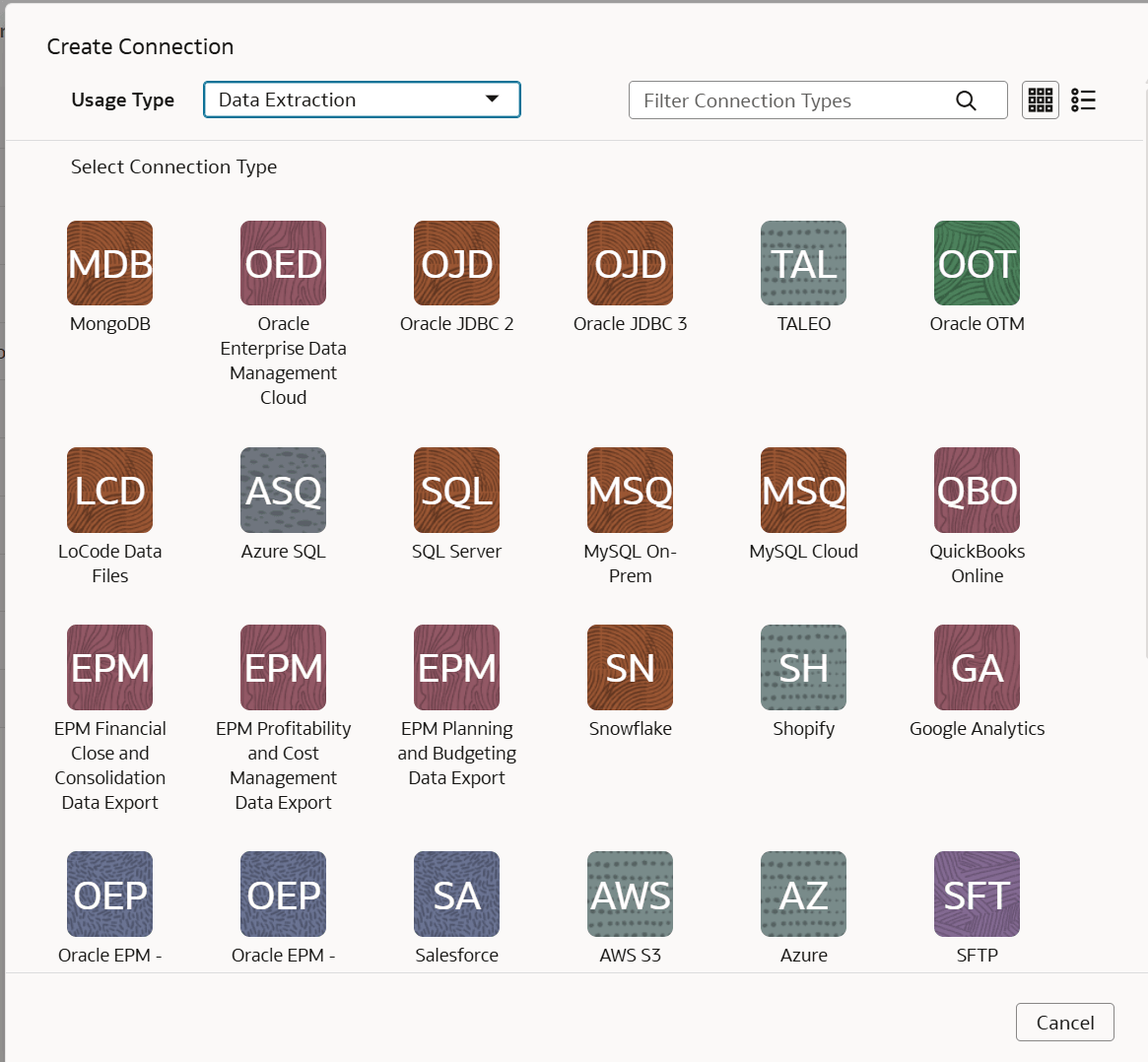
- In Create Connection:
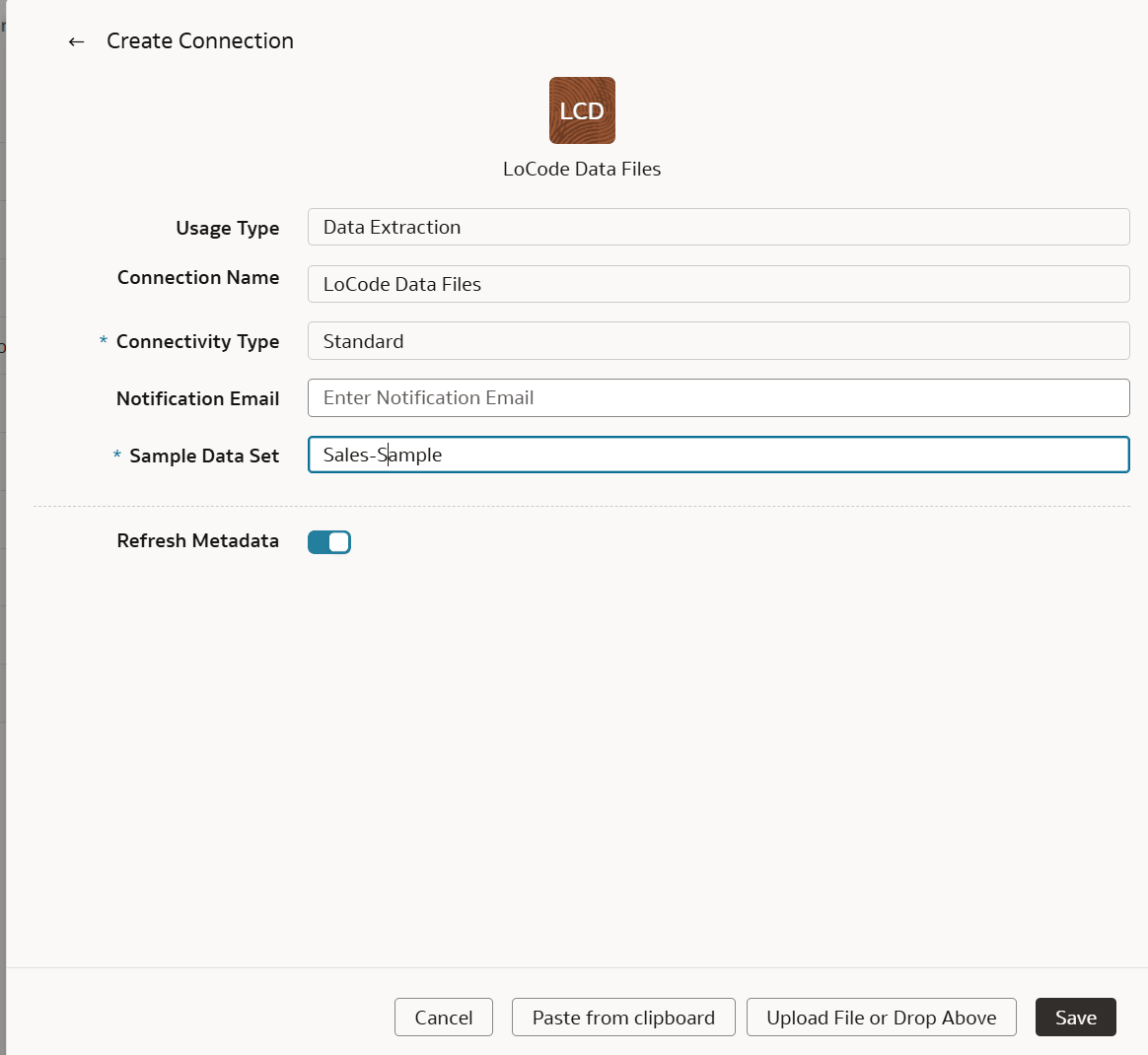
- In Create Connection:After the connection is created, you can view the source data files under Connections on the Manage Connections page.After your connection is created, you can create a custom data pipeline with Data Augmentation Scripts (DAS). See Create a Data Augmentation Scripts Application.