Enable Peer Benchmark

In order to use Peer Benchmark, you need to enable the feature in the Console..

As a functional administrator, enable Peer Benchmark by creating the application definition.
You must enable Benchmark in Generally Available Features to make Custom Data Configurations available.
  1. In Oracle Fusion Data Intelligence Console, click Enable Features, select the Generally Available Features tab, and under Custom Data Configuration turn on Benchmark. Click Enable in the confirmation dialog box.
  2. In Oracle Fusion Data Intelligence Console, click Data Configuration, and then click Custom Data Configurations.
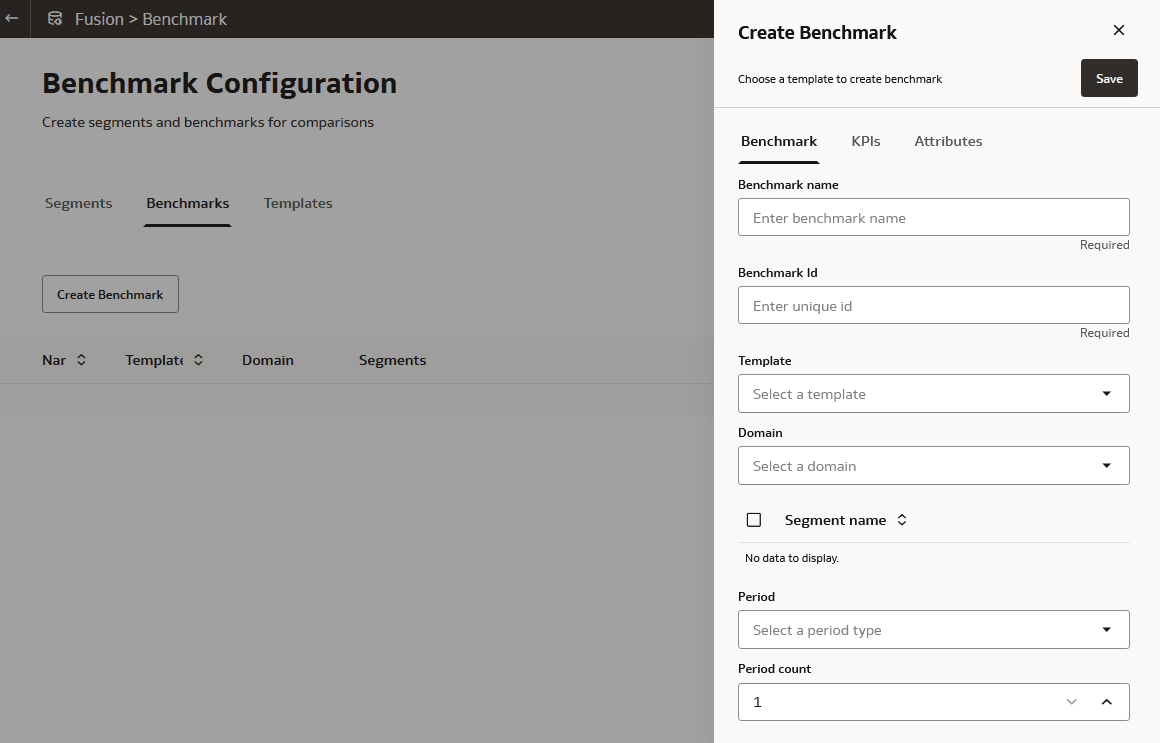
  3. Select Create and then select Benchmark.
  4. Click Save and Exit to create the application definition