Create a Composite Bundle
Create a snapshot of your application catalog artifacts to save their current state.
Composite bundles exclude non-catalog items such as datasets, connections, and machine learning artifacts. You must manually recreate these excluded items in the target instance. You can rebuild datasets from scratch or import using using a .dva file.
- On the Bundles page, click Create.
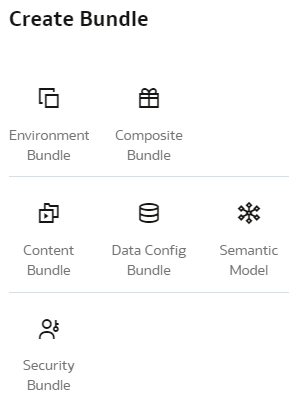
- In Create Bundles, select Composite Bundle.
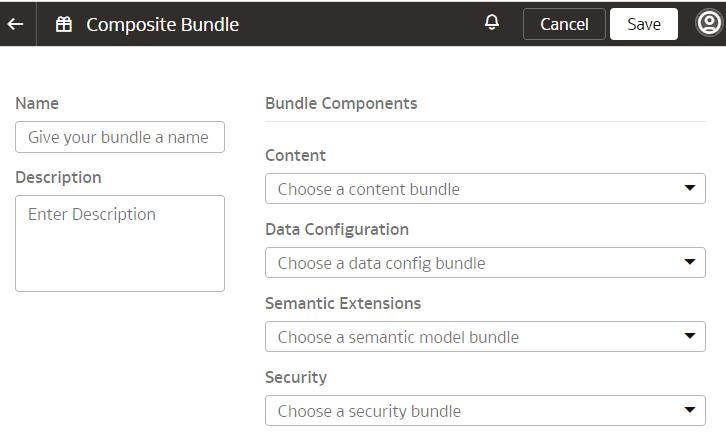
- Select any of the other bundles.