Refresh and Reload a Data Augmentation
You can refresh and reload the data augmentation whenever you require. These actions ensure that Autonomous AI Lakehouse reflects the latest updates in the augmentations.
When you refresh the data augmentation, the system executes an incremental refresh immediately. Reload the data augmentation to repopulate the warehouse using the augmented dataset definition so the new and updated attributes for the selected data augmentation are refreshed for existing data and for future incremental refreshes.
If you're using a versioned dataset, the reload process rebuilds the warehouse with the new dataset version and becomes a data maintenance activity. See Schedule Data Maintenance.
- On the Data Augmentation page, click the Action icon for the applicable data augmentation.
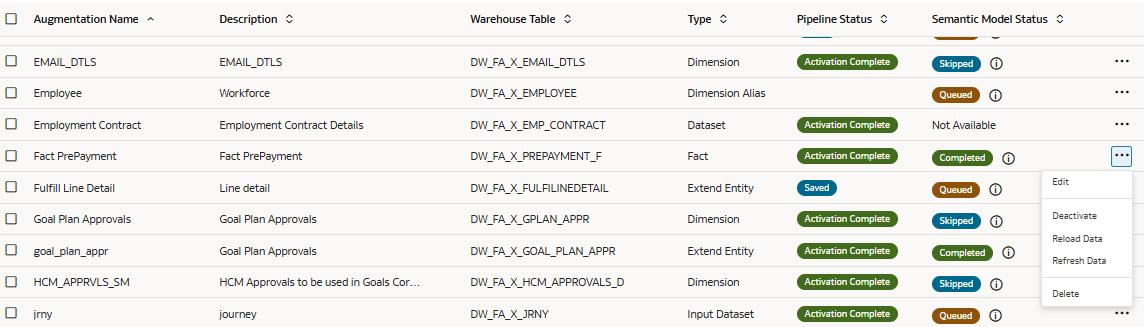
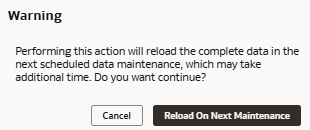
- From the actions, click Reload Data, and in the Warning dialog, click Reload On Next Maintenance.