View Request History
You can view the history of different requests for tracking, reference, and auditing purposes. The request history is visible by data source, functional area, request type, and status along with other details
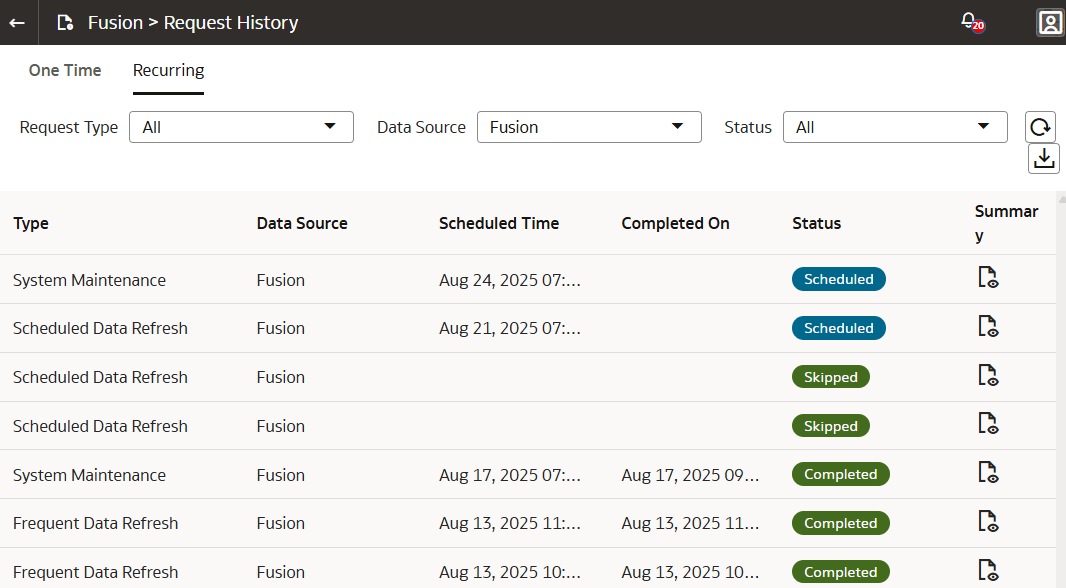
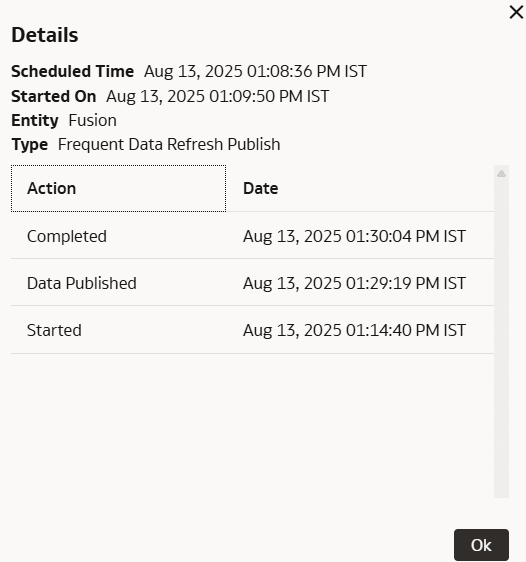
You can view the details of one time requests and recurring refreshes. The One Time tab displays the details of the requests performed immediately such as Full Load (Adhoc) and Test Connection. The Recurring tab displays details about the most recently completed, skipped, upcoming, and in-progress refresh as applicable. It displays a maximum of two records for each recurring request. If the request type is Scheduled Data Refresh and the status is InProgress, and you've enabled the Data Refresh Estimate feature, the system displays an information icon next to the status. Click the icon to view the Estimated Completion Time. If any requests are in progress, the tab displays the number of such requests and you can click the number to see those requests. You can also view applicable additional timestamps in the Summary dialog such as Priority Data Published (if applicable), Data Published, and Refresh complete (which includes post-processing).
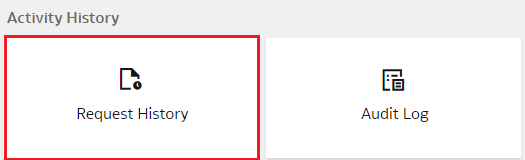
- On the Data Configuration page, under Activity History, click Request History.
- On the Request History page, click the One Time tab to view the history.
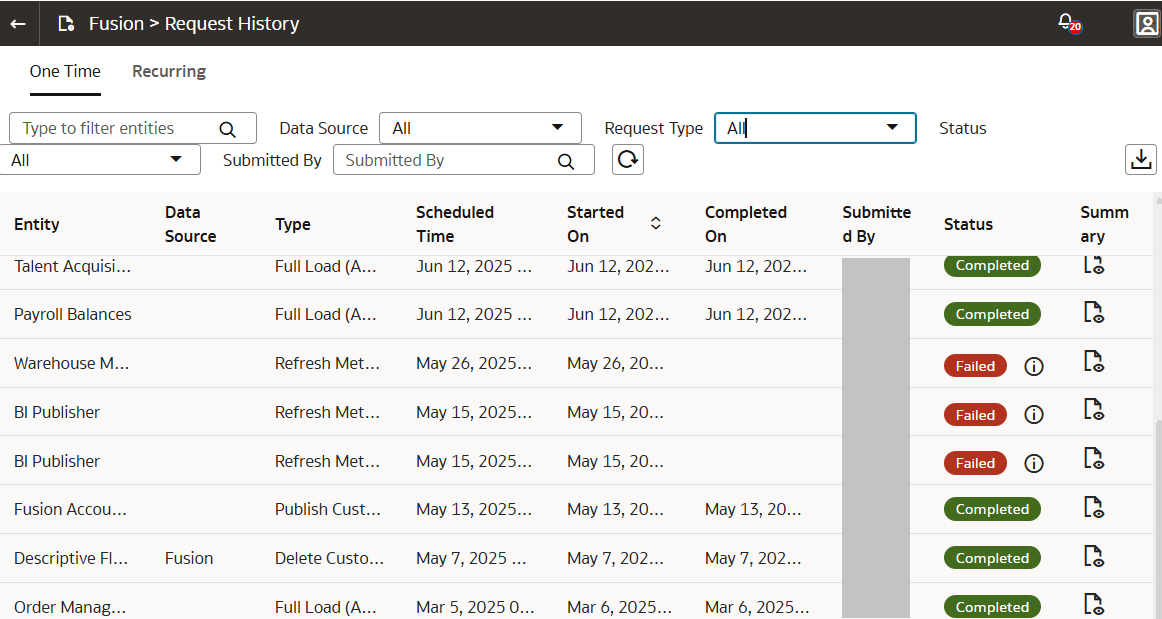
- In the Summary column, click the icon to view the details of each request type.
- Click the Recurring tab to view the history of requests that are performed recurringly.