View Validation Report
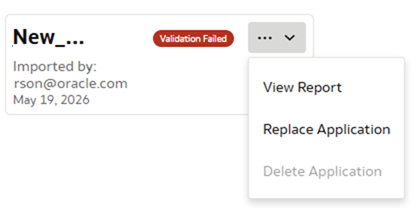
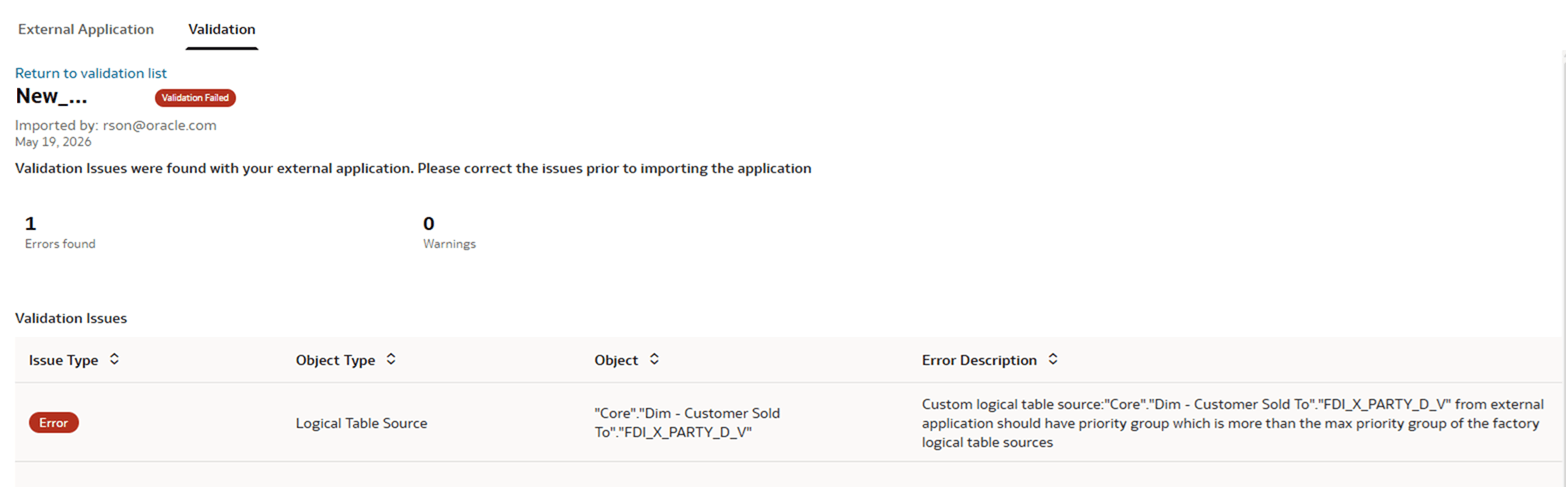
Use the View Report option to view the validation report of an external application.
- In the External Application region, from the Validation tab, click Actions, and then click View Report to view the validation report of the external application.If the validation fails, you get a list of validation issues found in your external application. You must correct the issues before you attempt to import the application.