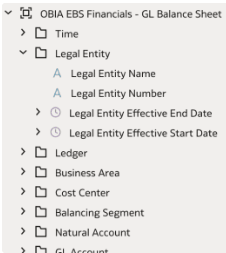
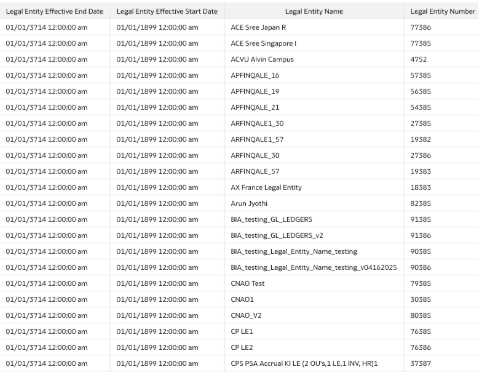
Add New Attributes to Existing Subject Area
Follow these steps to add new attributes to an existing subject area.
- Sign into Oracle Fusion Data Intelligence.
- Navigate to Semantic Model Extensions and click User Extensions.
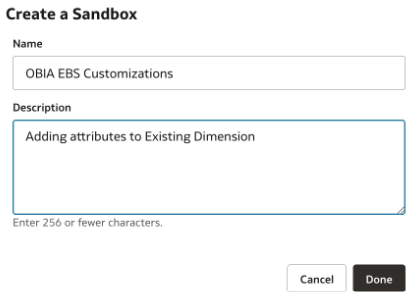
- Click Create Sandbox, enter the sandbox details, and click Done.
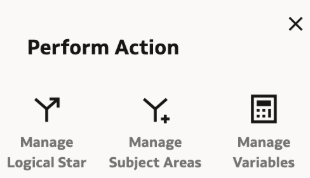
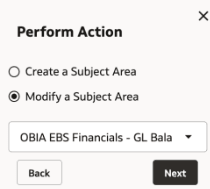
- Select Manage Subject Areas in the Perform Action dialog.
- Select Modify a Subject Area in the next dialog, in the drop down for subject area, select EBS GL Balance sheet subject area, and click Next.
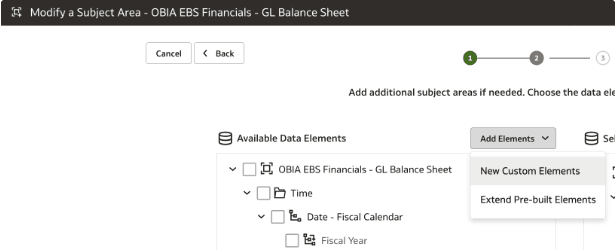
- In step 1 of the wizard, click Add Elements and then click New Custom Elements.
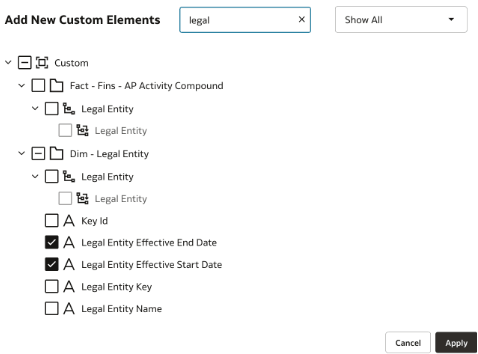
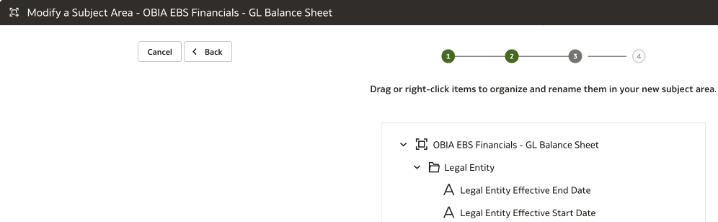
- In step 2 of the wizard, in Add New Custom Elements, search for "Legal" to display the Legal Entity logical folder. Select the Legal Entity Effective Start Date and Legal Entity Effective End Date attributes. Click Apply.
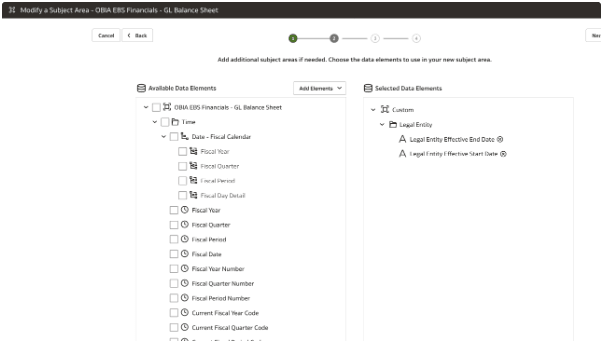
- In step 3 of the wizard, click Finish.
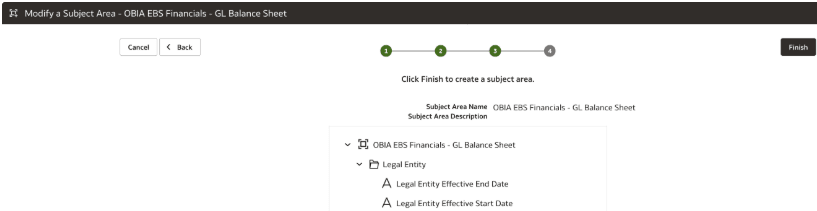
- Reorder attributes if needed.
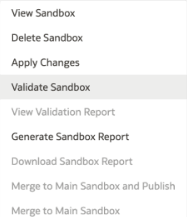
- Validate the sandbox using the Validate Sandbox option and then click Publish.
- Sign into Oracle Analytics Cloud and navigate to the GL Balance sheet subject area to view the newly added attributes and create visualizations.