Deleting Available Content from Excel-based Reference Doclets Using the Panel
To delete available content from the reference doclet using the panel:
-
Click the More Actions button,
 , and select Delete.
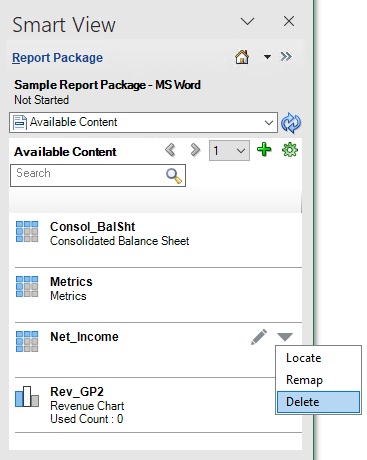
In Figure 24-25, the Delete action is selected.
Figure 24-25 Available Content Panel Showing the More Actions Menu Delete Option Selected
The selected available content is removed from the list.